Autodesk CAM Solutions
What is CAM software?
CAM stands for Computer Aided Manufacturing. In general, CAM software helps create NC programs for various types of CNC machines to support different manufacturing processes. These processes can include milling, turning, cutting, 3D printing, and other methods.
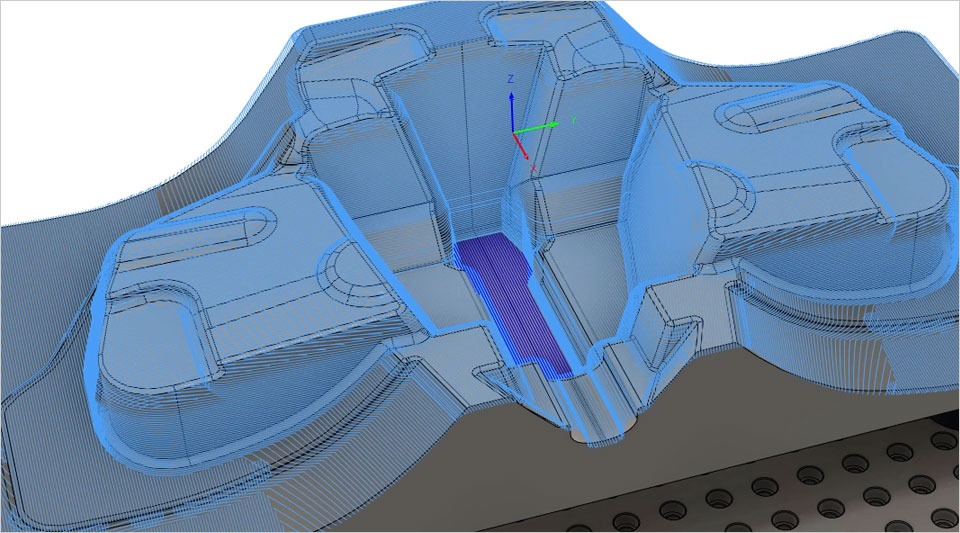
The difference between CAD and CAM:
CAD stands for Computer-Aided Design. Like CAM, CAD leverages computing power to help designers create complex designs more easily than by hand. The difference between CAD and CAM is that CAD helps designers create digital models called 3D models, while CAM helps generate NC (Numerical Control) code to control CNC machines that manufacture actual products.
The importance of CAM
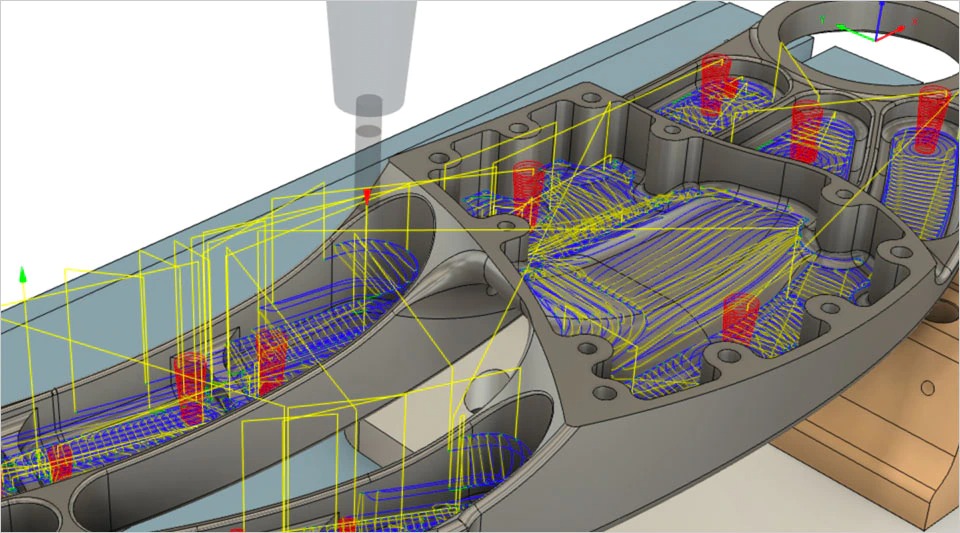
CAM opens up many automation potentials and powerful capabilities that cannot be achieved through conventional or handwritten NC commands. CAM software also integrates algorithms to generate high-speed toolpaths by optimizing cutting forces, cutting depth for each material type and cutting tool used, which manual programming can hardly achieve. Especially with complex-shaped products, it is nearly impossible to create toolpaths without the support of CAM software.
Which industries
use CAM?
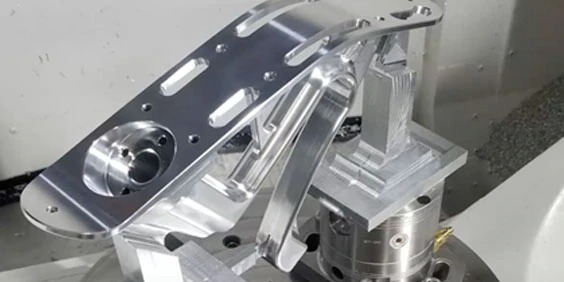
Ô tô (Automotive)
Capture and share best practices within your production teams.
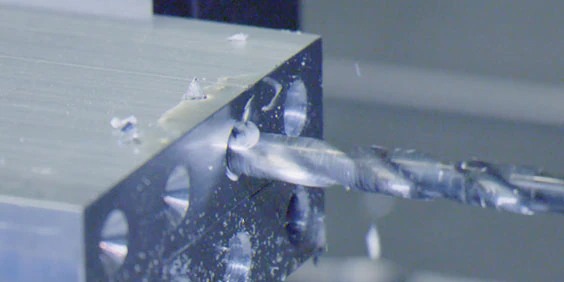
Industrial machinery
CAM software is widely used in industrial machinery, supporting industries like machine casting or sheet metal machining to obtain components for industrial machinery.
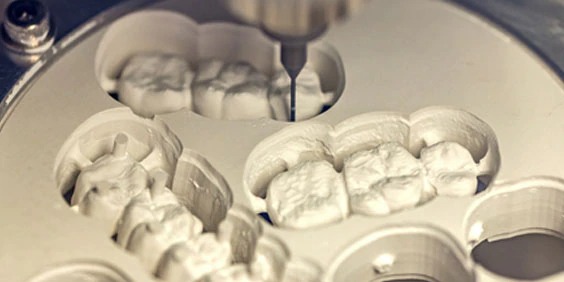
Consumer products
It applies both cutting and machining and 3D printing to manufacture dental implants, restore body parts lost due to accidents, and even joints in the body.
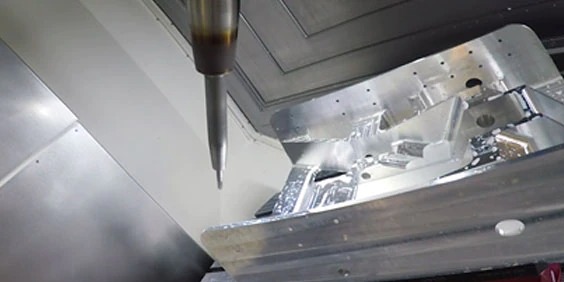
Space
To manufacture high-strength components with tight tolerances using common materials such as aluminum and titanium
The power of a comprehensive solution
Standardization helps address your most urgent needs as businesses transition to agile operations, making it easier to adapt to industry and market changes.
Identify capability gaps
Support the production of parts from steel billets into molds and use the molds to produce fiberglass body panels for various types of vehicle bodies.

The effectiveness of the process
Replacing independent processes leads to fragmented workflows.
Automation
Use fully integrated systems to eliminate redundancies.
Simplify
Streamline training, support and management.
Mold Making
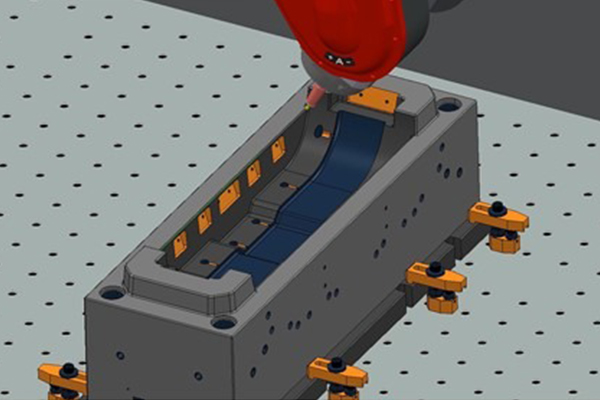
A comprehensive solution from plastic product analysis, mold separation, electrode creation to machining and complete inspection. No more considering separate solutions from multiple suppliers, explore the solution package for the Mold Making industry.
Machining Parts
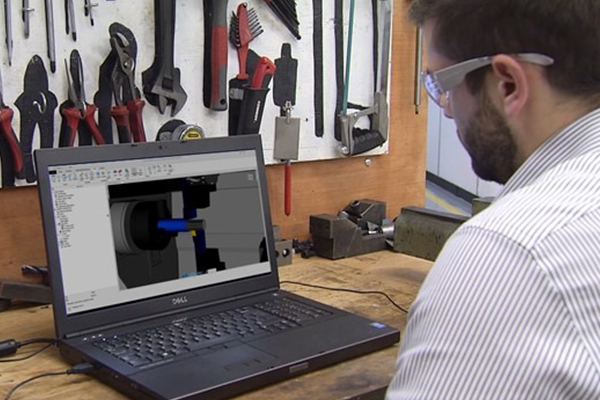
The most suitable solution for machine components, versatile for products requiring high precision, helps accelerate machining while maintaining accuracy

Furniture Manufacturing
Solutions that meet the most complex furniture products, with high aesthetics and ease of application.
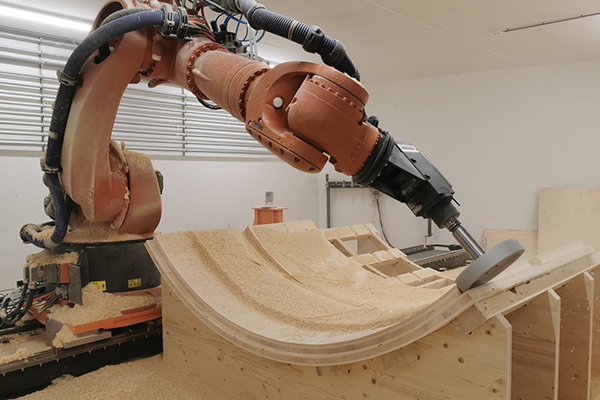
Industrial Robot Applications
Solutions for machining large-sized products, easy motion control, or a replacement for labor in harsh environments.
Consult with experts from OneCAD VN
Related products

FeatureCAM
English summary Autodesk FeatureCAM automates CNC programming and NC output for milling, turning, mill-turn and wire EDM workflows. This is a short English summary. Read the full content in Vietnamese.

PowerInspect
English summary Autodesk PowerInspect simplifies the inspection of complex surfaces across different types of measuring equipment. This is a short English summary. Read the full content in Vietnamese.

PowerShape
English summary Autodesk PowerShape supports CAD preparation for CNC machining workflows with PowerMill and FeatureCAM. This is a short English summary. Read the full content in Vietnamese.