3D Modeling and Design
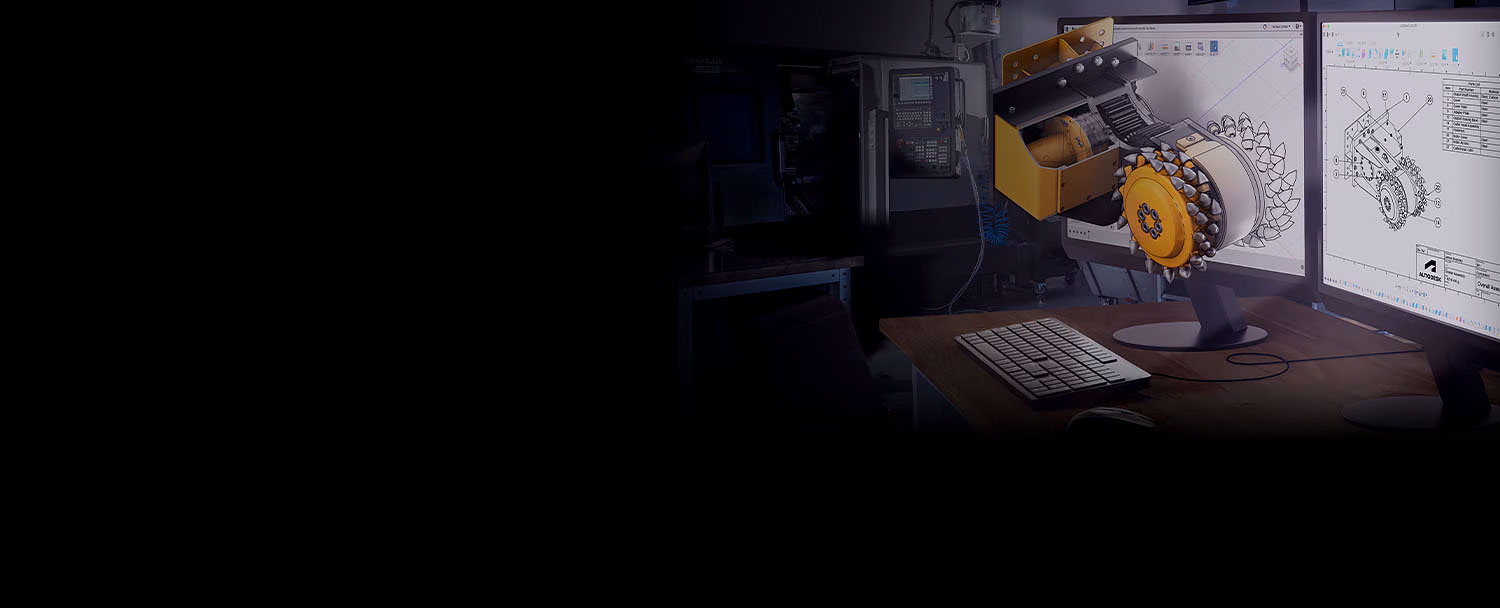
Autodesk Fusion connects your entire workflow by integrating CAD, CAM, CAE, and PCB into a single solution.
CONTACT US


or call 0919-019-964
Autodesk Fusion is a comprehensive 3D design platform that integrates CAD, CAM, and CAE tools on the cloud. The software enables design, simulation, analysis, and manufacturing programming within a single environment. With collaborative capabilities and compatibility across multiple operating systems, Fusion is an ideal solution for modern engineering projects.
3D Modeling and Design
Simulation
Manufacturing Programming
PCB Design
Thiết kế mô hình hoá 3D
Fusion enables the creation of 3D models, supporting Surface, Freeform, and Parametric Modeling, providing users with flexibility in product development.
Allows you to perform simulation analyses such as structural, dynamic, and thermal analysis, helping to validate and optimize designs before the mass production stage.
Autodesk Fusion supports CNC machining programming from simple to complex, ranging from 2.5-axis to 5-axis, optimizing workflows and reducing product manufacturing time.
Autodesk Fusion integrates PCB design tools, allowing users to create and edit circuit board designs directly within the software’s 3D environment.
Autodesk Fusion integrates CAD, CAM, and CAE into a single platform, allowing you to seamlessly manage design, simulation, and manufacturing workflows without switching between multiple software.
Autodesk Fusion provides advanced simulation and analysis tools, allowing you to test and optimize designs under
real-world conditions before production, improving
product quality.
With cloud-based functionality, Autodesk Fusion enables project team members to collaborate from anywhere, share data, and update in real-time, enhancing efficiency and minimizing errors.
Autodesk Fusion is one of the few engineering design software solutions compatible with both Windows and macOS, providing flexibility and meeting the needs of working across
multiple devices.
Mechanical design
Machining
Simulation analysis
Circuit design
Collaborative Workflow
Mechanical design
Autodesk Fusion brings any design idea to life. With the integration of various design capabilities such as Surface, Freeform, and Parametric Modeling, it allows users to easily and quickly create 3D models.
With powerful design tools, Autodesk Fusion helps users create and modify models efficiently.
(video: 6:07 minutes)
Autodesk Fusion saves users time with its automatic dimensioning feature, streamlining the process of adding dimensions to models.
(video: 3:02 minutes)
Quickly generate multiple design suggestions that meet geometric and manufacturing requirements through AI.
(video: 2:26 minutes)
Autodesk Fusion supports users in programming toolpaths for parts and automatically updates them when the design changes, all within the same workspace without the need to switch to another software.
It provides users with powerful machining programming capabilities that meet all needs, from simple to complex.
(video: 1 minute & 25 seconds)
With the Adaptive Clearing feature, Fusion supports efficient rough machining, speeding up the process and extending tool life.
(video: 1 minute & 46 seconds)
In addition to traditional machining methods, Fusion provides 3D printing programming tools that meet all prototyping machining needs.
(video: 1 minute & 56 senconds)
Autodesk Fusion allows users to quickly analyze and simulate designs, supporting various types of problems. This enables design adjustments to ensure the product is optimized and aligned with requirements.
Autodesk Fusion provides tools to simulate deformation, motion, and mechanical stiffness of design components under various loads and material types.
(video: 48 seconds)
Optimize your designs by running simulations to eliminate unnecessary components while ensuring structural stability and performance of the part.
(video: 52 seconds)
Autodesk Fusion provides tools to simulate the impact of temperature on the operation of components, giving designers additional insights to optimize the product.
(video: 56 seconds)
Autodesk Fusion provides a professional toolset for electronic circuit (PCB) design. The tools assist throughout the process, from creating the layout design to designing the connection traces, using libraries of standard components and parts.
Autodesk Fusion offers a library of standard electronic components, including capacitors, resistors, transistors, diodes, and more, commonly used in circuit design.
(video: 1 minute & 29 seconds)
Autodesk Fusion provides PCB layout design tools that make it simple and easy for users to arrange and place components on the circuit board.
(video: 52 seconds)
Based on the circuit design diagram, Autodesk Fusion enables the creation of 3D models, allowing for quick generation of objects for the next stage.
(video: 1 minute & 39 seconds)
With Autodesk Fusion, team members can easily collaborate and share project data with stakeholders. Additionally, Fusion has the capability to interact with other software both within and outside the Autodesk ecosystem.
Fusion Team is a platform integrated within Fusion that supports sharing and managing design data in an online environment, helping to optimize the product development process.
(video: 59 seconds)
Easily transfer models between two of Autodesk’s most powerful 3D design applications, Inventor and Fusion, allowing you to fully leverage the capabilities of both software.
(video: 1 minute & 09 seconds)
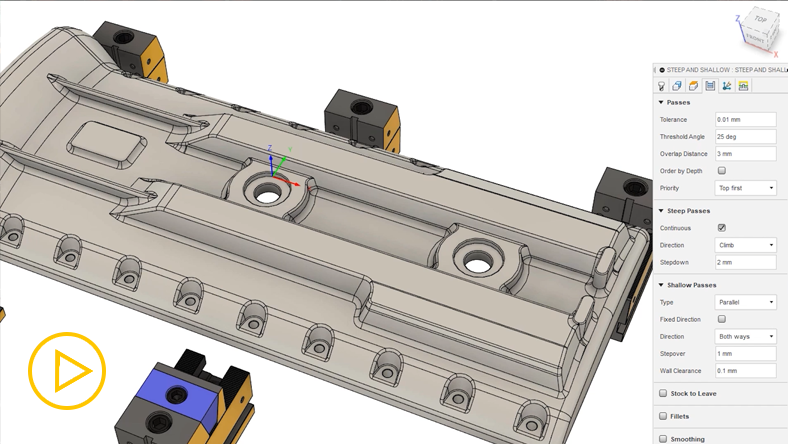
Unlock the capabilities of multi-axis CNC machining programming, custom toolpath design, sheet metal layout and nesting, and support for CMM (Coordinate Measuring Machine) inspections…
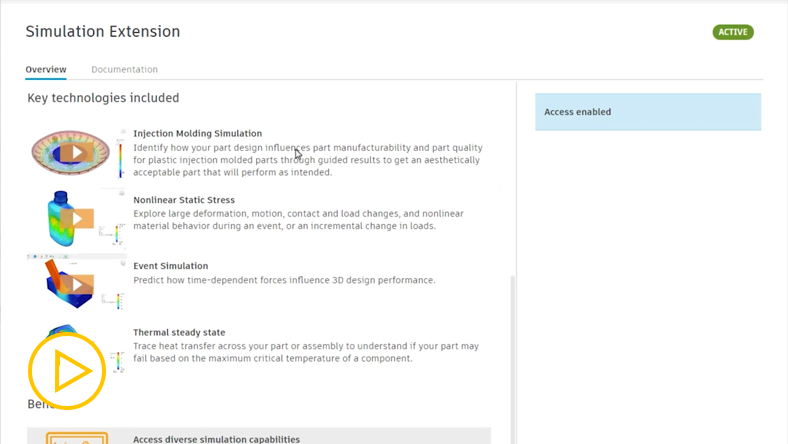
Optimize designs with the addition of powerful simulation tools such as: Generative Design, FEA (Finite Element Analysis), circuit cooling, injection molding, and more.
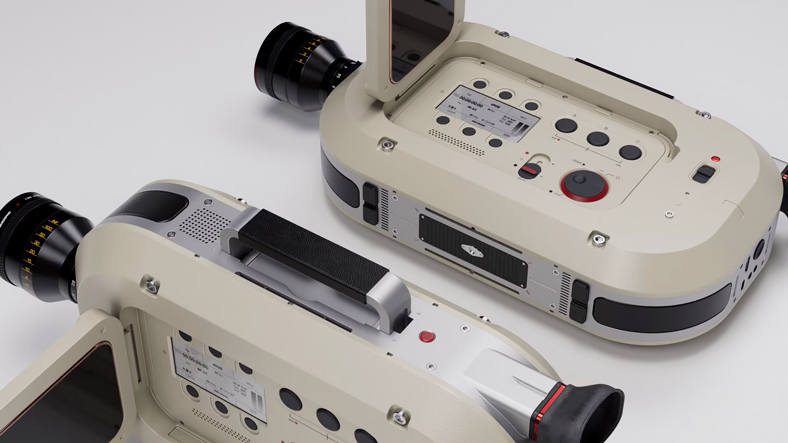
Automate the design process to enhance both performance and aesthetics. This approach streamlines iterations, improving efficiency and ensuring a refined, optimized product.
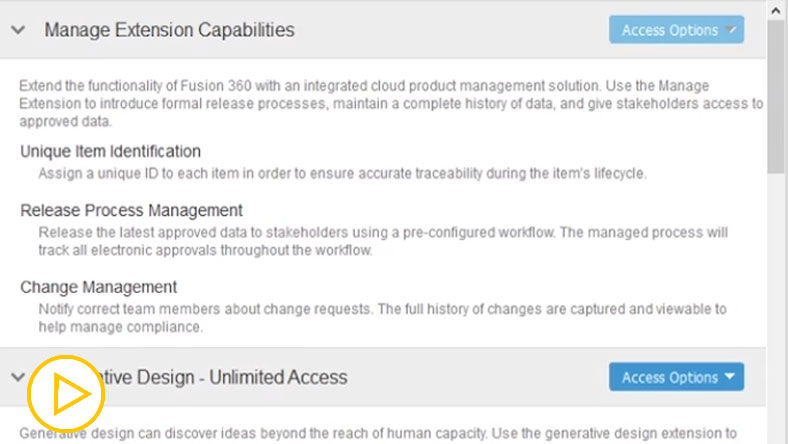
Execute change orders, manage releases, automatically number parts, and manage bills of materials.
What is Autodesk Fusion used for?
Autodesk Fusion is a software that supports technical design. It connects the entire product development process in one cloud-based platform, integrating 3D, CAD, CAM, CAE, and PCB tools.
Who are the users of Autodesk Fusion?
Autodesk Fusion is used by industrial designers, mechanical engineers, electrical engineers, product design enthusiasts, and startups using Autodesk Fusion.
What is the minimum computer configuration to use Autodesk Fusion?
What is the difference between Autodesk Fusion and AutoCAD?
Autodesk Fusion is a versatile software that integrates multiple tools such as CAD, CAM, CAE, and PCB, whereas AutoCAD is a CAD software used for creating 2D drawings and 3D models.
How many computers can a user install Autodesk Fusion on?
Currently, Autodesk implements a single-user license, allowing users to install the software on up to 3 computers. However, at any given time, only 1 computer and 1 mobile device are allowed to use the software.
Autodesk Fusion is a product integrated into the comprehensive and unique toolkit for the manufacturing and production industry – Autodesk PD&M Collection.

The product suite integrates software for product design, manufacturing, machining programming, and product lifecycle management. Key software includes:
 Inventor Professional
 AutoCAD – Including Specialised Toolsets
 Inventor CAM
 3Ds Max
(and more…)