
Revit 2026
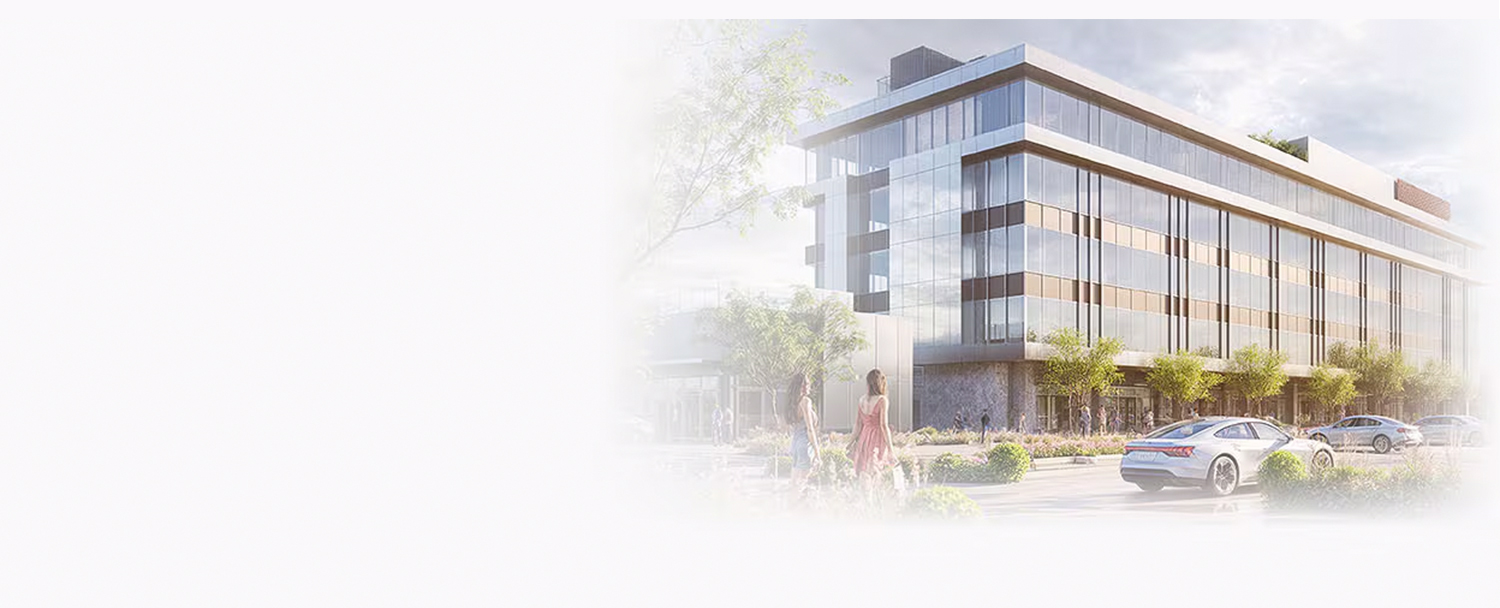
Specifically designed for BIM, Revit supports architecture, MEP, structural engineering, and construction. It extends capabilities with cloud-based features for rendering and analysis.
Autodesk Revit® is a leading software for Building Information Modeling (BIM), designed to support the design process from concept to construction. With Revit, users can create detailed 3D models, automatically update information, and synchronize data throughout the project lifecycle, ensuring accuracy and efficiency.
The powerful features and multidisciplinary toolset in Revit enable professionals across various construction fields to collaborate effectively, optimizing their work both individually and in teams.

Turn design ideas into reality
Collaborate on a single file
Support for multidisciplinary model coordination
Drive sustainable design with Insight
Integrate automation tools with Dynamo
Integrate cloud-based collaboration tools for design teamwork
Integrate rendering support tools – Twinmotion
Turn design ideas into reality

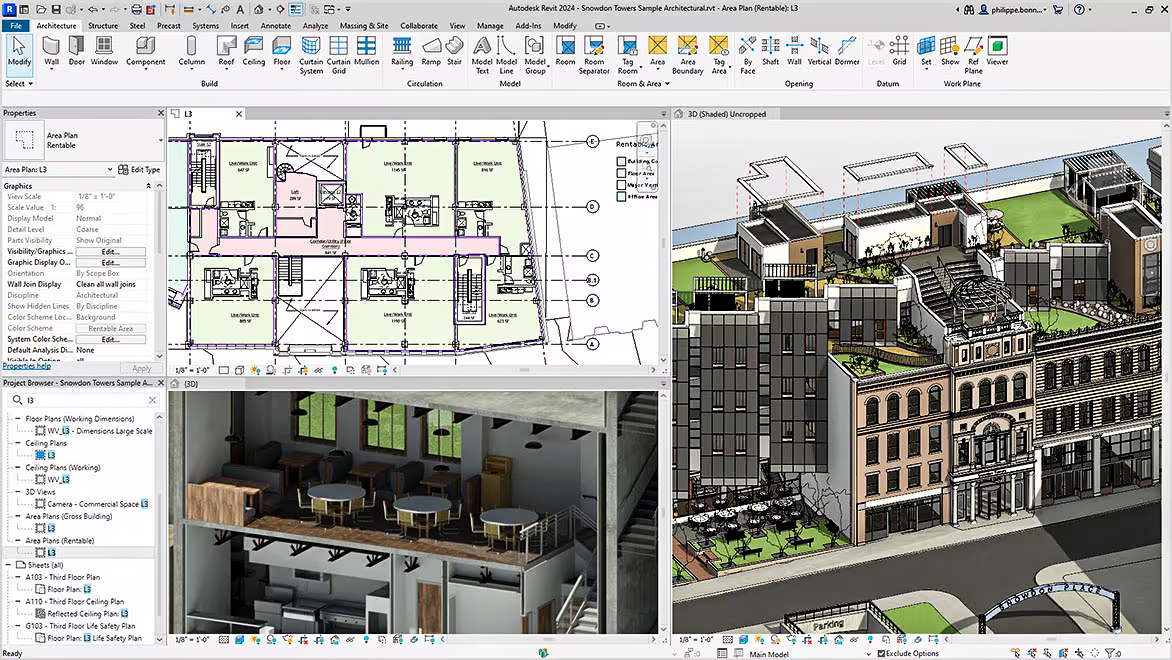
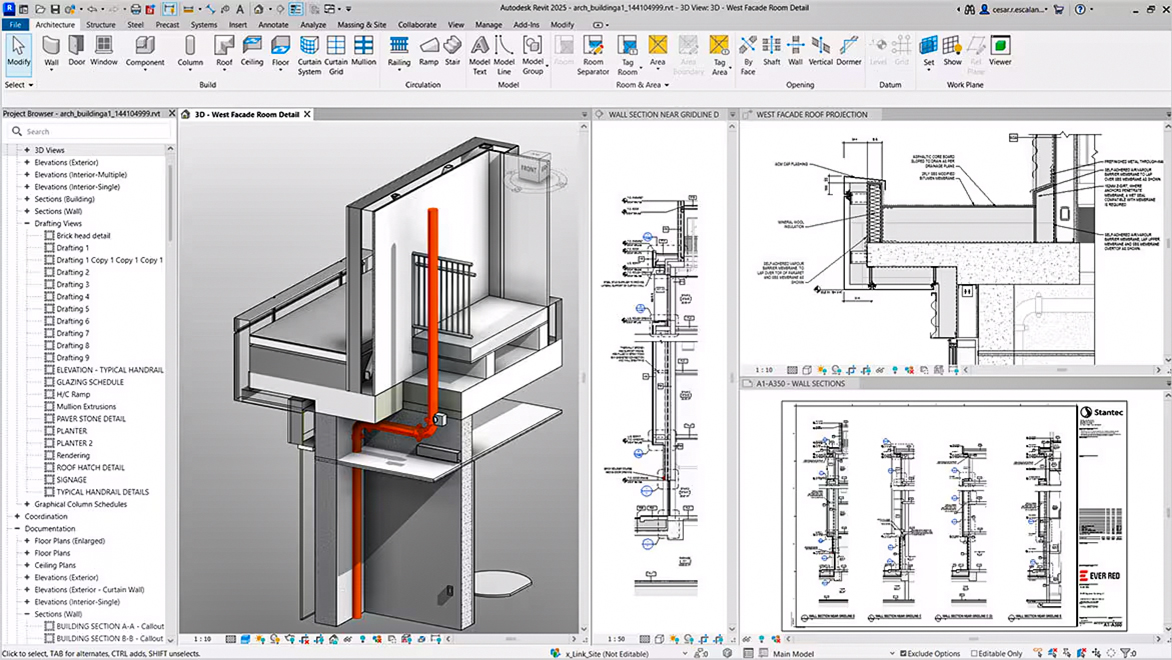
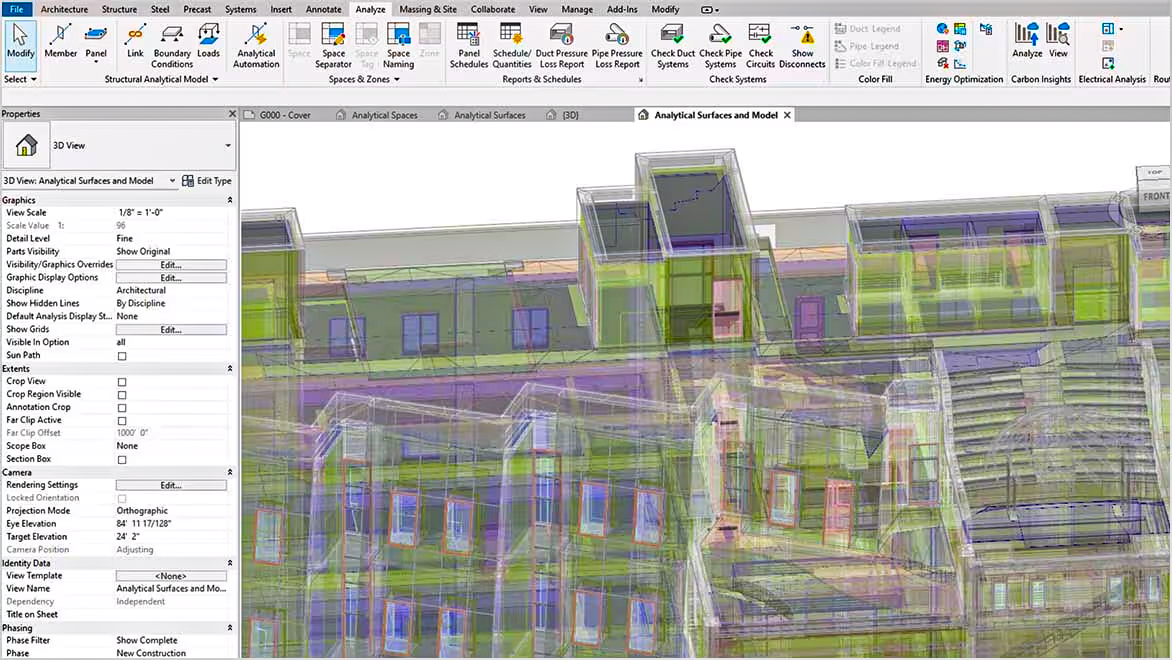
With powerful tools for 3D modeling and 2D drafting, Revit automatically synchronizes changes across views and supports quantity takeoff within the model. It helps architects, engineers, and contractors enhance efficiency, minimize errors, and ensure every aspect of the design is developed accurately and seamlessly.

Revit supports the worksharing feature, enabling the creation of Revit file formats that allow multiple team members to access, collaborate, and synchronize data in real time.

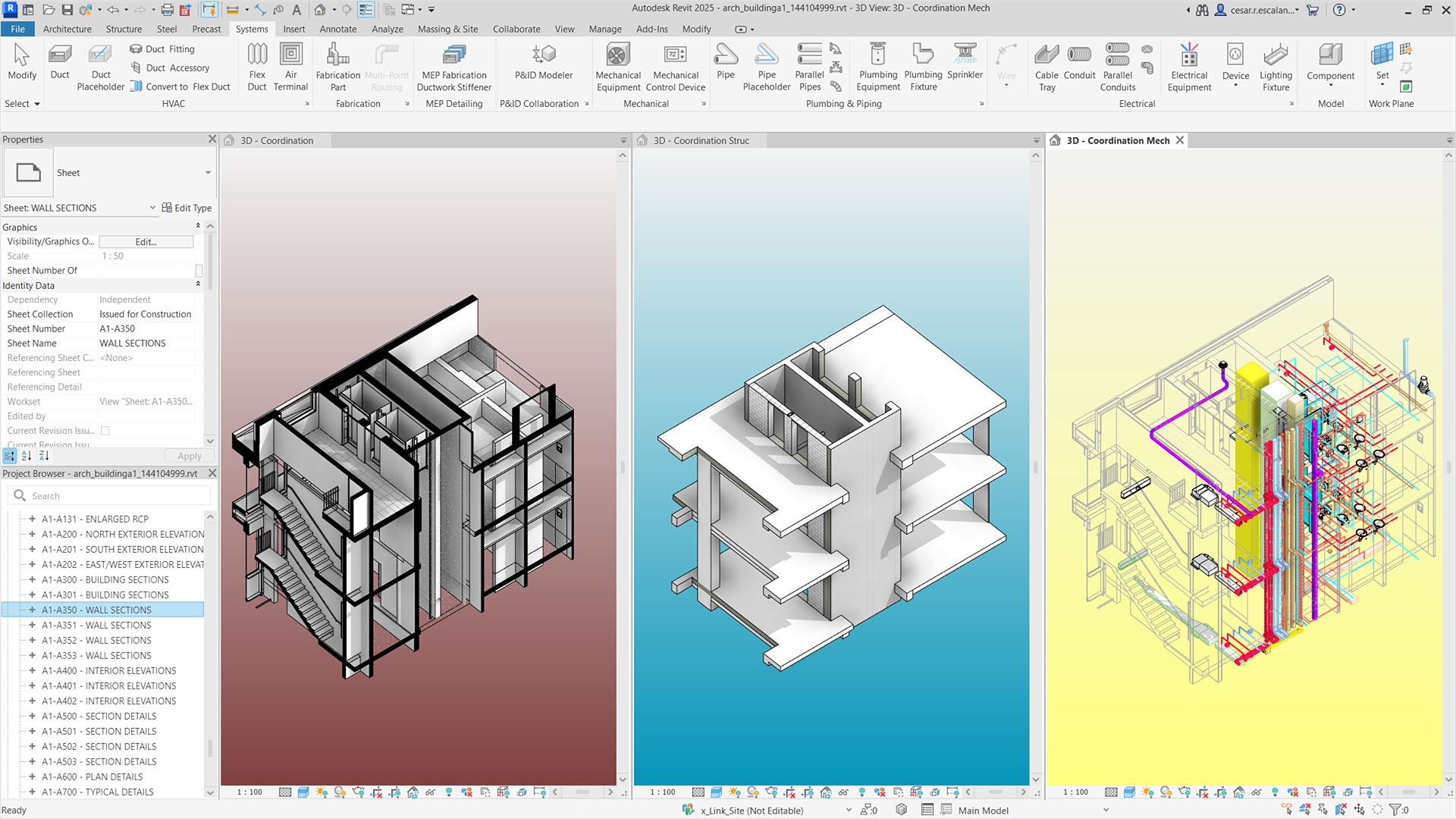
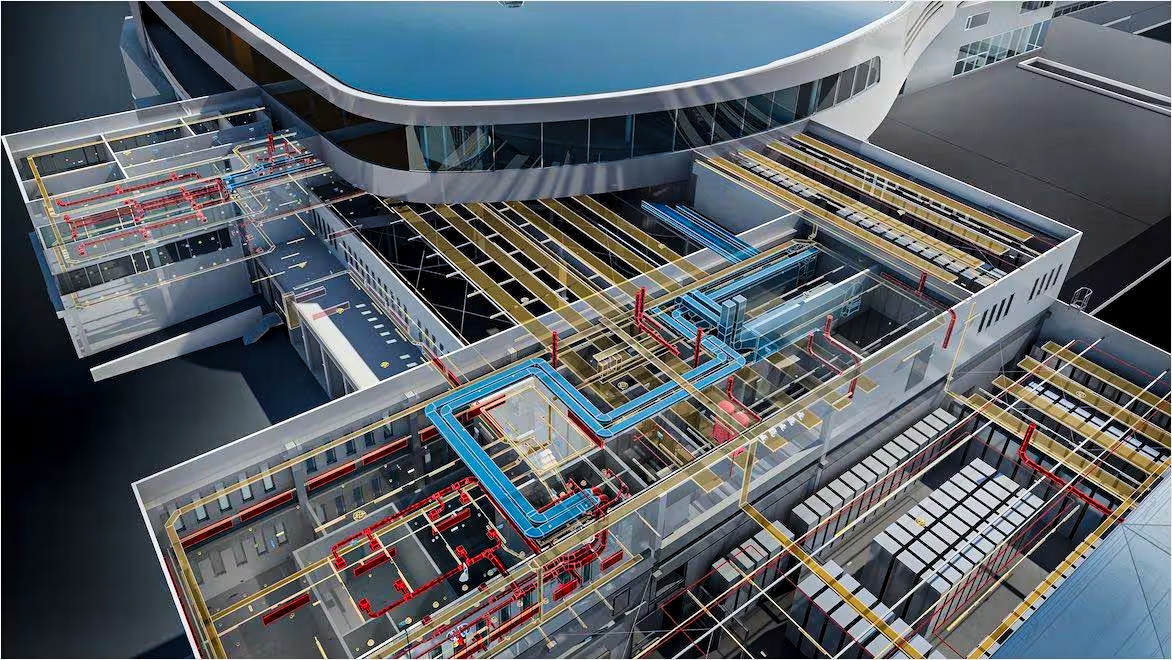
Revit supports multidisciplinary model coordination through the link model tool, allowing designers to easily review designs and quickly resolve clashes.

A powerful tool integrated into Revit that helps architects and designers analyze and optimize building performance.
Dynamo is a visual programming tool integrated with Revit, extending its capabilities by providing accessible access to the Revit API (Application Programming Interface). Beyond programming, Dynamo allows users to create scripts using graphical components called “nodes,” making programming more intuitive and easier to adopt.
Enhance collaboration between the BIM team and the design team, creating a seamless workflow that saves time on information retrieval and issue resolution.
Twinmotion for Revit has officially been added as an extended add-in for Revit in the Revit 2023.1 update. For those unfamiliar, Twinmotion is a real-time rendering software developed by Epic Games. It is integrated with a Revit license or included in the AEC Collection.

3:52 minutes
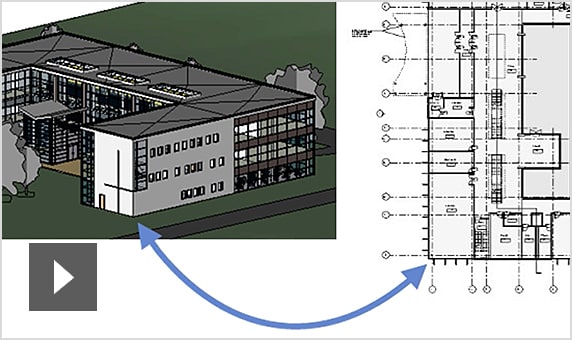
Explore Revit’s BIM support tools and learn how to apply them in your projects.

3:01 minutes
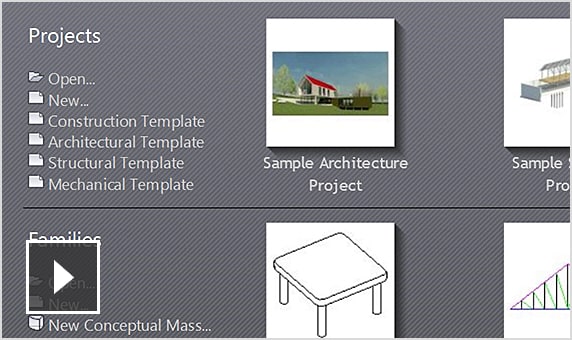
Explore different ways to open a family file in Revit.

4:04 minutes
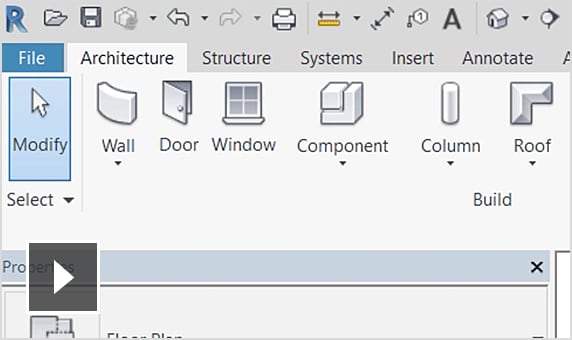
Explore Revit’s user interface – a software designed to streamline your workflow.

5:59 minutes
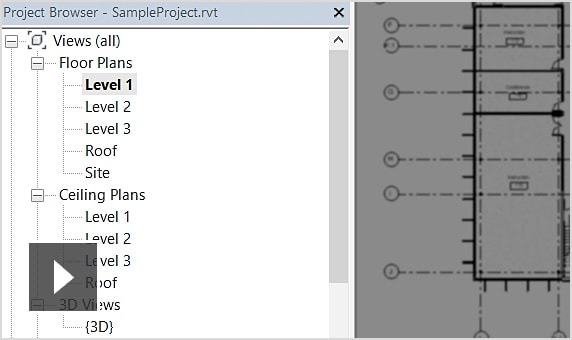
Use the Project Browser to access different views such as legends, schedules, and sheets…

4:52 minutes
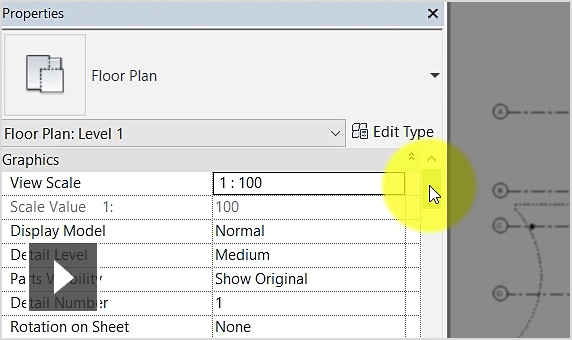
Work with element and view properties in Revit’s Properties panel.

5:38 minutes
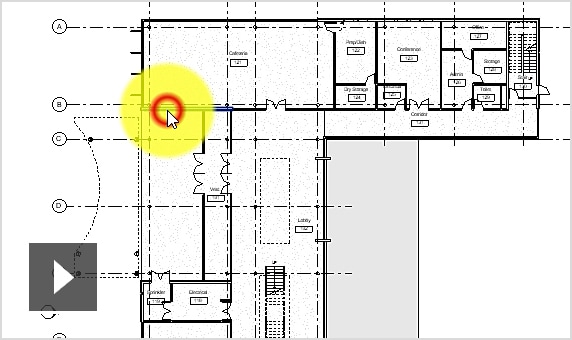
Use the mouse to quickly perform modeling operations in Revit.
![]() | ![]() | |
|---|---|---|
| DESIGN | ||
| Design 2D and 3D | ✔✔ | ✔ |
| Import & Export data | ✔✔ | ✔ |
| Document Management | ✔✔ | ✔ |
| Analysis Tools | ✔✔ | ✔ |
| Twinmotion is integrated with Revit. | ✔✔ | |
| COLLABORATE | ||
| Create Cloud Models on the cloud platform | ✔✔ | |
| Collaborate on a single model | ✔✔ | |
| Clash Detection | ✔✔ | |
| Share coordinates between projects. | ✔✔ | |
| Revit Server | ✔✔ | |
| View sharing | ✔✔ | |
| SUPPORT SOFTWARE | ||
| Application Programming with API | ✔✔ | |
| Use Third-Party Applications | ✔✔ | |
| Macros, Dynamo | ✔✔ | |
| Autodesk App Store | ✔✔ | |
Note: The characters marked in the comparison table are understood as follows:
Can I sign up for a Revit trial?
You can sign up for a 30-day trial of Autodesk Revit.
Is Autodesk Revit part of the AEC Collection?
Autodesk Revit product is available in the AEC Collection.
When purchasing a licensed version of Revit, which versions of Revit can I install and use?
You will have the right to install and use the latest version of Revit and the three previous versions available on the official website manage.autodesk.com
For example, if the latest version of Revit is Revit 2026, you will be able to install and use Revit 2026, Revit 2025, Revit 2024, Revit 2023.
If you need to install older versions, please contact us at 0919-019-964 for consultation and support.
What are the system requirements for Autodesk Revit?
Can I install Revit on multiple computers?
You can install Revit on up to 3 computers. However, only one computer can be accessed at a time per account.
Revit is available in two versions: Revit LT, a cost-effective BIM solution optimized for architecture and design, and the standard Revit version, which includes advanced features such as collaboration, analysis, and enhanced functionalities.
Specifically designed for BIM, Revit supports architecture, MEP, structural engineering, and construction. It extends capabilities with cloud-based features for rendering and analysis.
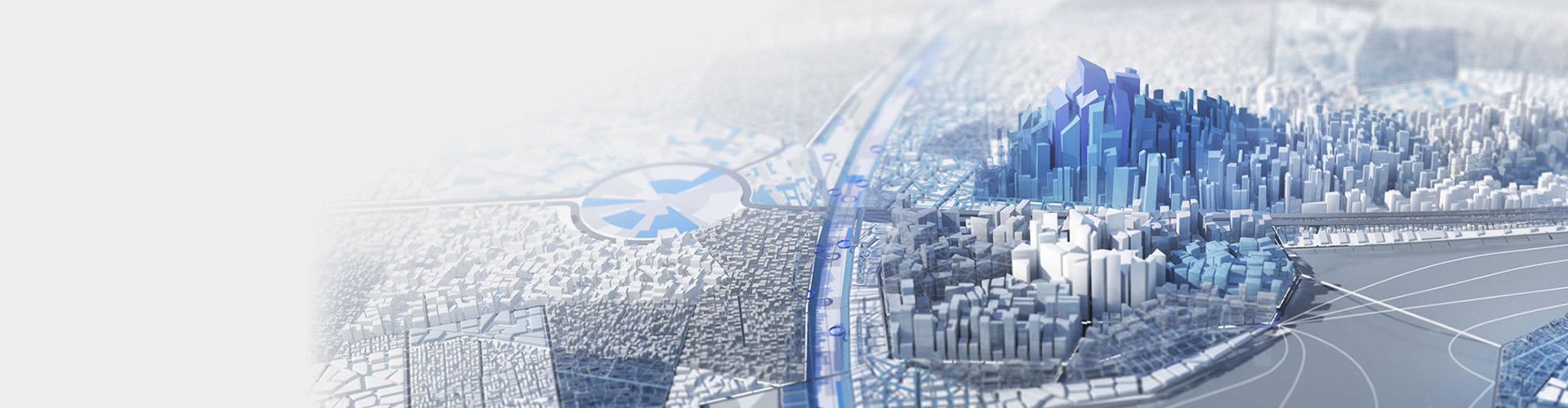
A cost-effective and high-performance BIM software solution. Tailored for architects and design professionals, offering powerful tools to streamline workflows, enhance collaboration, and improve project efficiency.

SOLUTIONS THAT SAVE UP TO 30%
The Architecture, Engineering & Construction Collection (AEC Collection) is an optimal solution in terms of both performance and cost, especially if you require at least one of the following combinations:

AutodeskATC.vn Training Center offers Revit software courses from basic to advanced levels. As an Autodesk Authorized Training Center in Vietnam, our curriculum is directly referenced from Autodesk’s official training materials.