
3D Design
Why should you use 3D Design
in the Design Process?
2D Design is an essential part of the design process, allowing engineers to create detailed drawings for different products. However, 3D Design, especially parametric design, has become the leading trend in modern design. With 3D product models, designers can unlock additional value from their design files.
CUSTOMIZED
DESIGN
With parametric design, models can be easily modified in terms of dimensions and product details.
SIMULATION &
CALCULATION
With 3D models, you can simulate and calculate the stress and deformation of the product when applied in real-world conditions.
MANUFACTURING & PRODUCTION
Directly use 3D models for programming toolpaths in machining.

The Process from Design to Manufacturing with 3D Design
Concept Design
Technical Design
Simulation & Calculation
Rendering & Presentation
Drawing Extraction
Manufacturing & Production
Concept Design
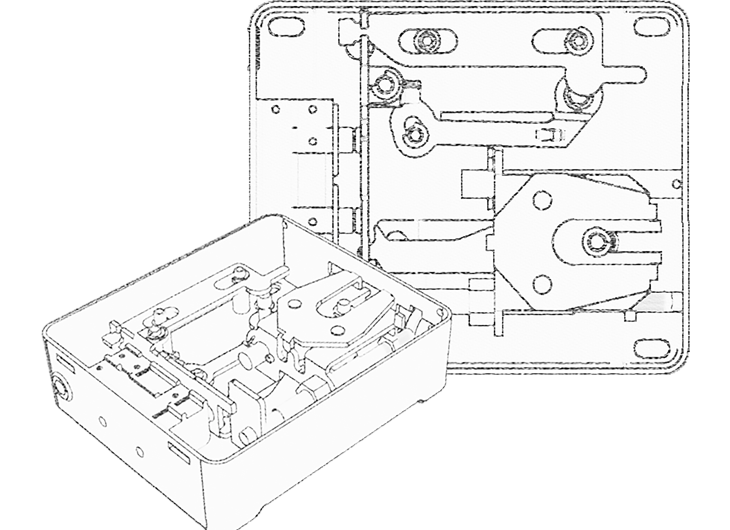
From the design idea, software support enables the rapid creation of a concept design for the product
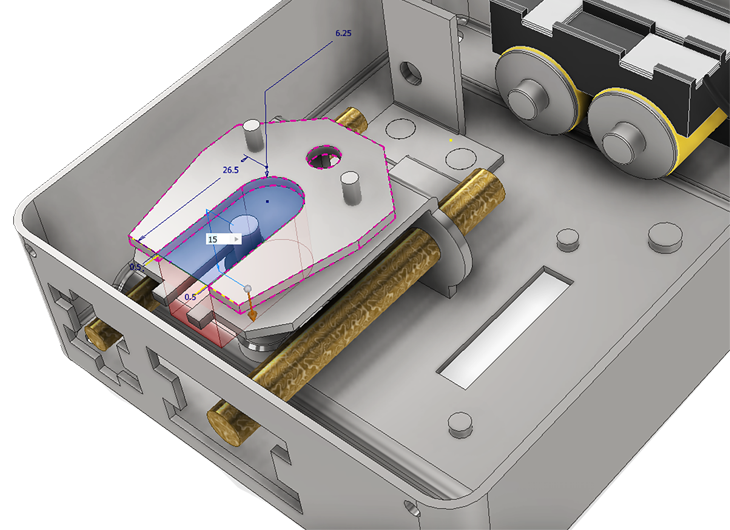
Design the details and structural connections of the product. Create specific assemblies for each part of the product
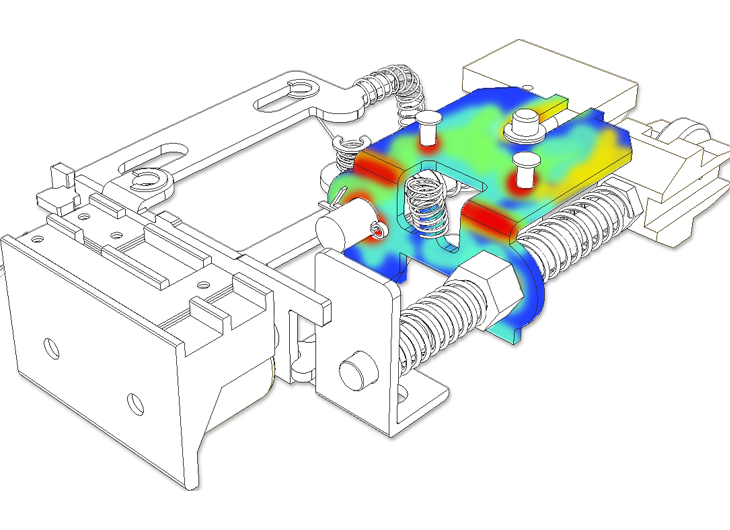
With boundary conditions and material parameters of the design, calculations and simulations of stress and deformation can be performed, allowing for necessary adjustments
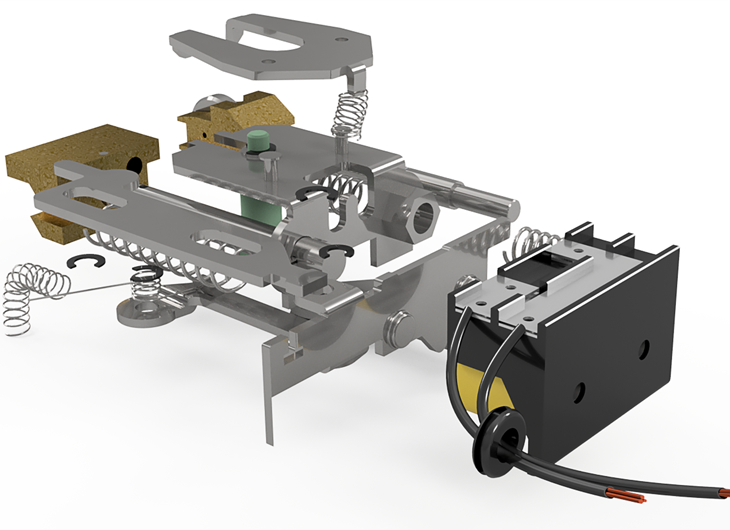
Extract exploded-view images and videos of the product for marketing purposes or to gather customer feedback.
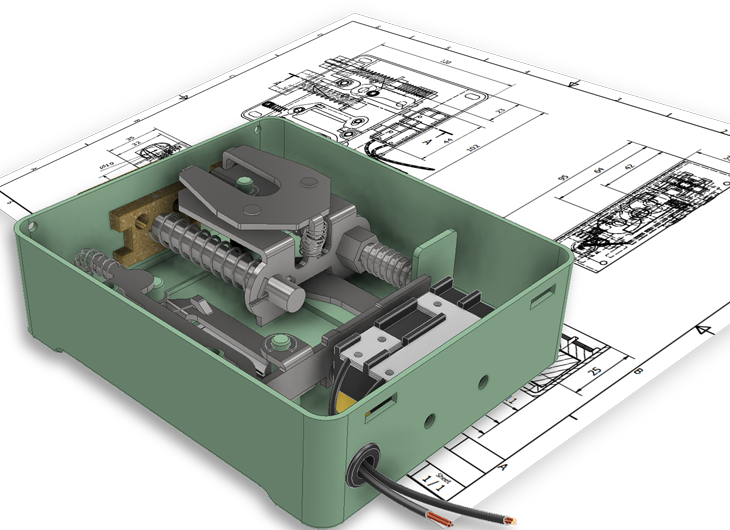
Generate design data for the manufacturing process directly from the 3D model quickly. Synchronize data between 3D designs and 2D drawings
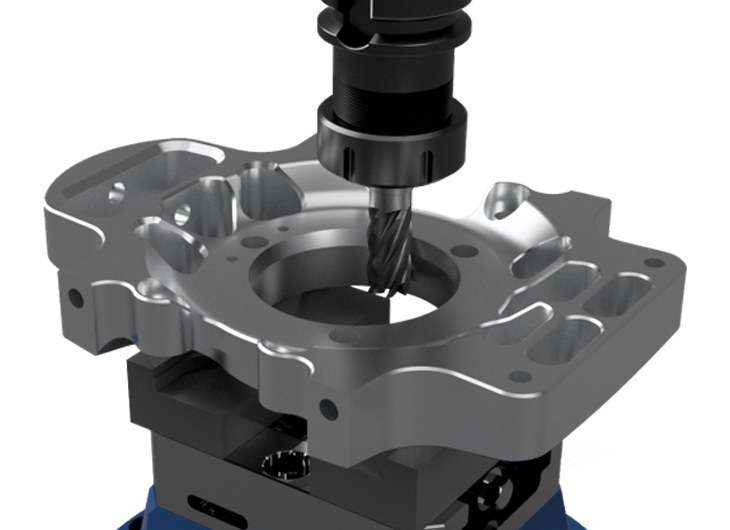
Program toolpaths for product machining, ensuring that toolpaths are directly synchronized with the 3D design. This reduces programming time when design changes occur.
3D Parametric Design
The design process is inherently iterative. It is unlikely that a perfect product will be designed on the first attempt, so you need a method that allows you to easily modify your product at any stage of the process.
Developing a parametric 3D model may take more time, as it depends on how you establish relationships within the design. However, this approach allows for better control when making modifications in later stages of the design process.
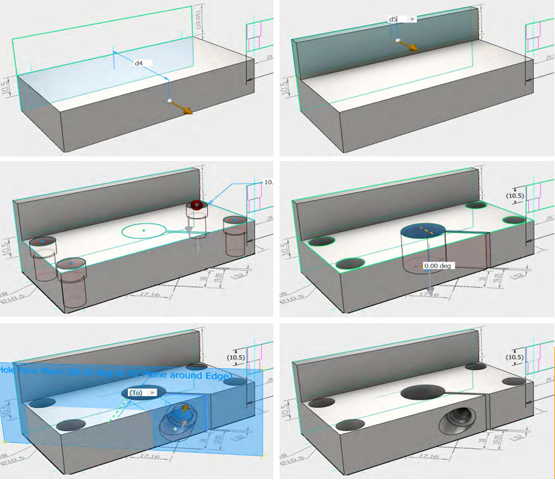
Quick Dimension Adjustment & Customization
Every final design inevitably goes through changes—that’s unavoidable. However, due to the complexity of engineering data, there is no such thing as a “small design change” as there might be with 2D drawings.
3D Parametric Design significantly reduces the risk of errors when making design changes. Since your model is controlled by parameters and equations, modifications are instantly updated throughout the model. In other words, you can make a design change once—and it applies everywhere.
Design Document Synchronization
A 3D design is utilized in various stages, such as drawing extraction, simulation and analysis, toolpath generation, and BOM (Bill of Materials) extraction. If you work solely in a 2D environment, these stages will inevitably lack integration and consistency.
But with 3D Parametric Design, synchronization between the model and all design documents is always ensured. This guarantees that all stages are updated whenever there are design changes, reducing both time and errors when using the model for different processes.
Unlocking Value from
3D Models
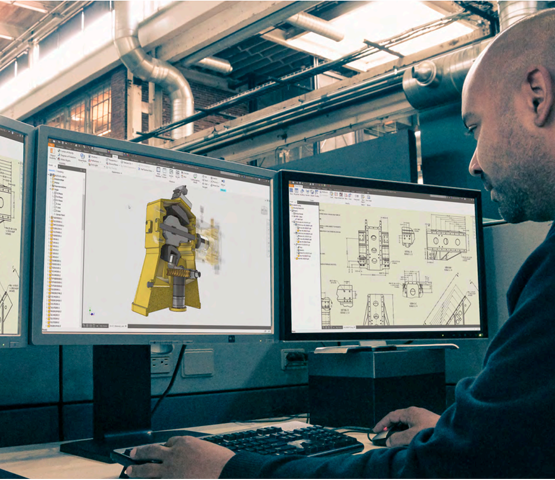
Unlike 2D Design, 3D models allow users to unlock additional value. A 3D model is just the beginning—it can be utilized across various stages of your company’s workflow, from generating marketing visuals to performing analytical calculations for product optimization or programming toolpaths for manufacturing.
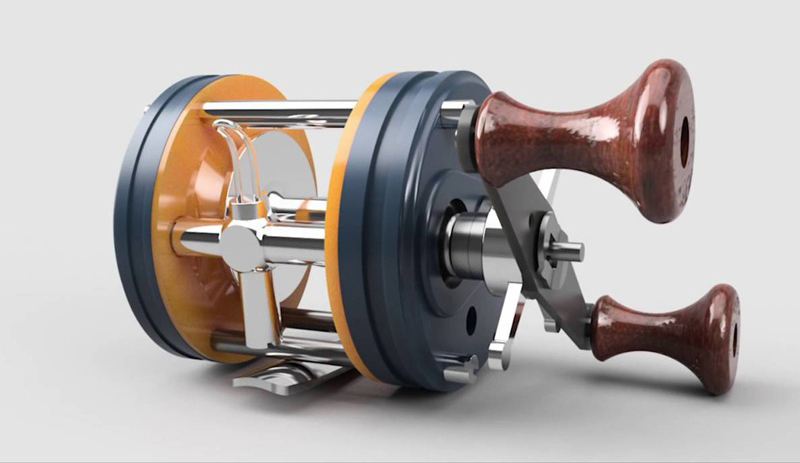
Rendering
Extract images for marketing purposes or to send to customers for design evaluation.
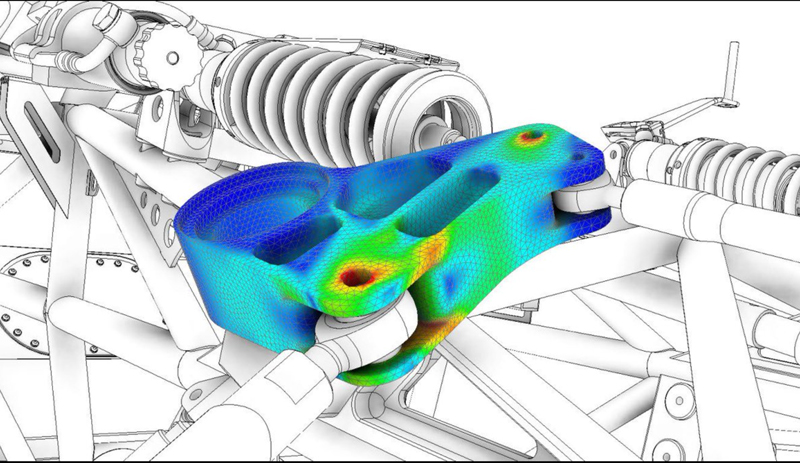
Analysis & Simulation
Identify potential product risks under real-world conditions before moving into production
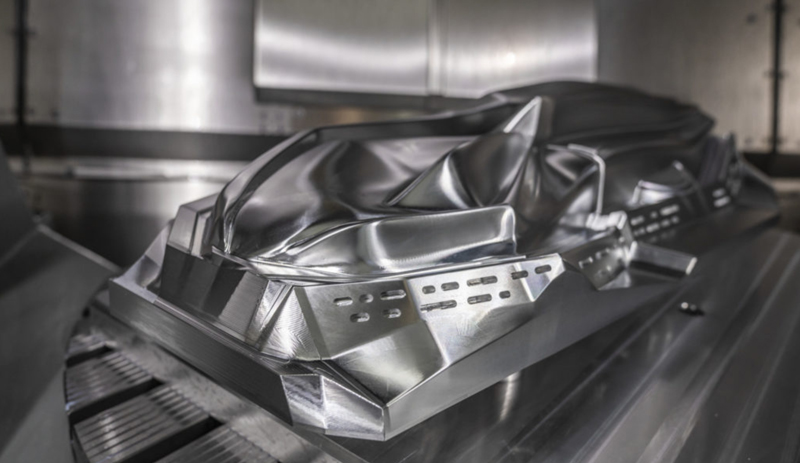
Machining Programming
Program machining toolpaths for products, from simple to complex.
What type of product are you looking for a 3D Design solution for?
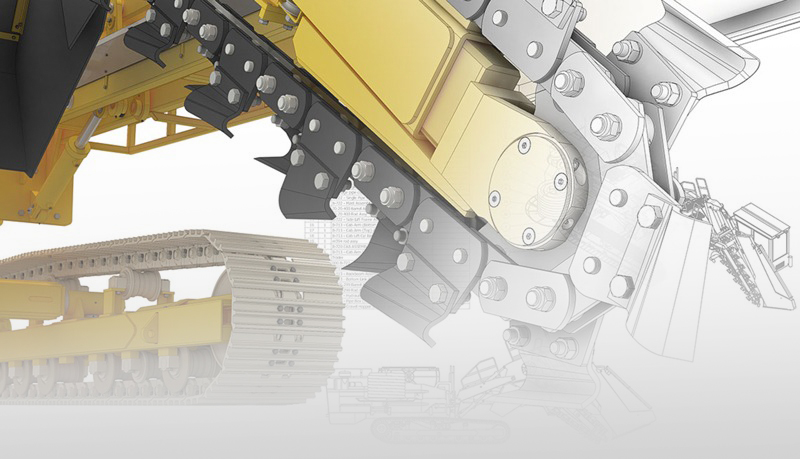
Mechanical Design
Extract images for marketing purposes or to send to customers for design evaluation.
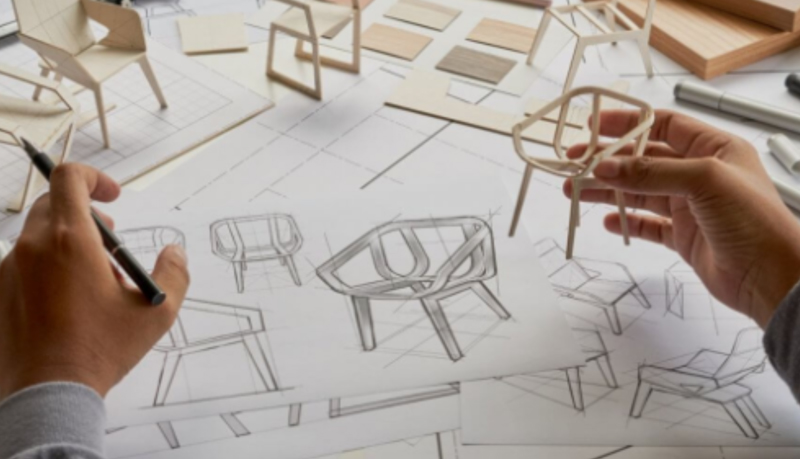
Interior Design
Extract images for marketing purposes or to send to customers for design evaluation.
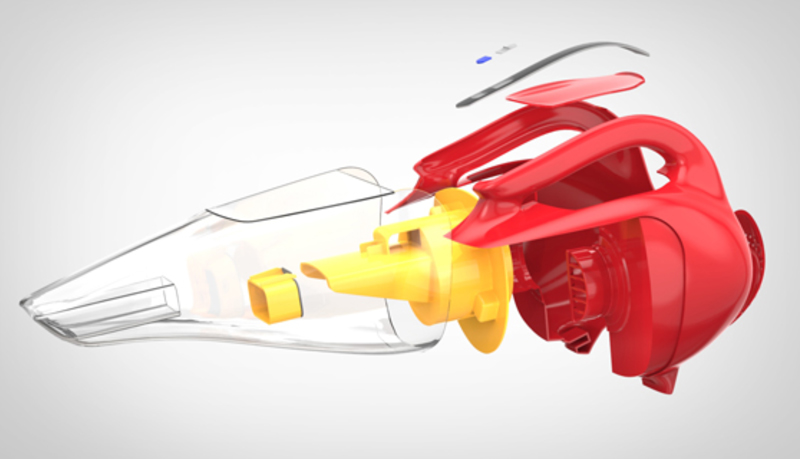
Plastic Product Design
Extract images for marketing purposes or to send to customers for design evaluation.
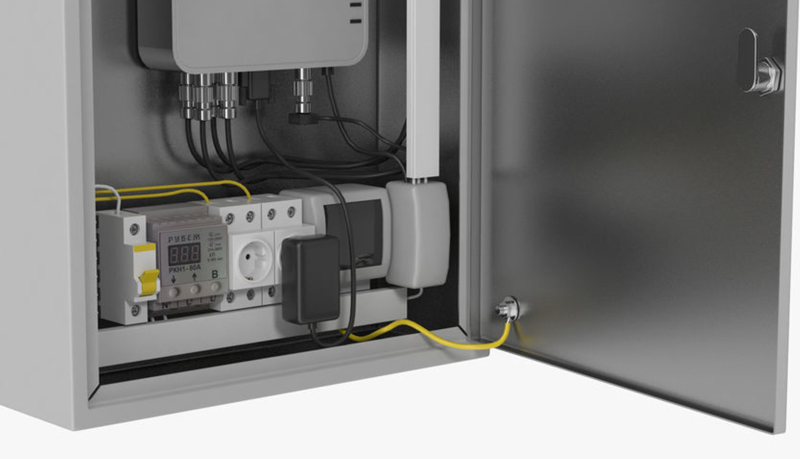
Electrical Cabinet Design
Extract images for marketing purposes or to send to customers for design evaluation.
Are you ready to transition
to 3D Design?
If your design process is currently based on 2D Design, transitioning to 3D Design is a decision that requires careful consideration. While 3D Design offers significant benefits, let’s also explore some reasons why you might still stick with 2D Design.
Time-Consuming Data Conversion to 3D Design
Your 2D data serves as the foundation for building 3D models. Converting data on a project-by-project basis helps determine the most suitable design approach for each product type.
The transition may slow down workflows and impact work efficiency.
Many companies have made the transition and confirmed that with a clear conversion plan, the impact on ongoing work is minimal.
Our 2D Solution Works Well, We Don’t Need 3D
2D is working well, but it may limit your company’s potential. 2D drawings cannot be fully utilized for processes like simulation analysis, rendering,…
Simple Products – No Need for 3D Design
3D Design is not only for complex products. While 2D design may be quicker and simpler, the value of a product goes beyond just the design phase. With a 3D model, you can improve various aspects of your design process, enhancing efficiency and innovation.

Higher Investment Costs for 3D Design
The investment cost will pay off multiple times through increased production efficiency, improved product quality, and added value for customers.