
AUTODESK® REVIT®.
Mechanical and Electrical Design - MEP
Designing complex components in MEPF (Mechanical, Engineering, Plumbing, Fire Protection) systems is one challenge, but implementing and controlling them is another. The videos below will assist you with both, offering suggestions on how to collaborate more easily with your teammates on the project.
(The videos in this article are presented in English, sourced from Autodesk and CADLearning)
.
Modeling
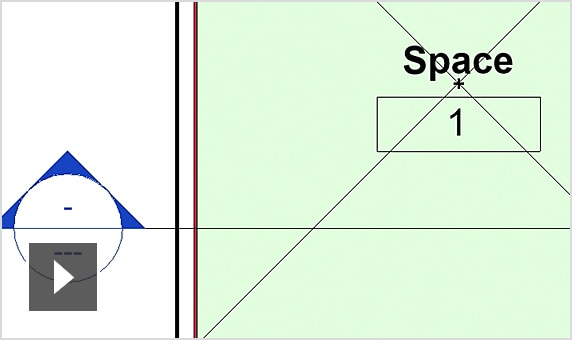
Understanding space
3:07 minutes
Learn about the properties in space.
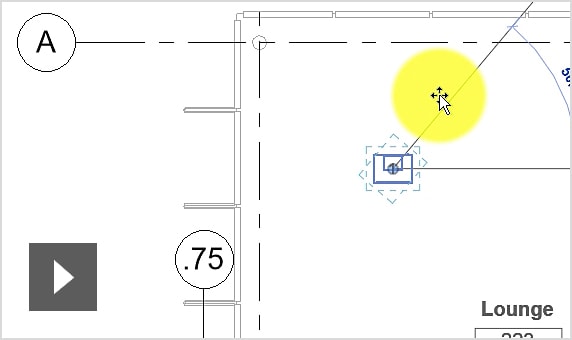
Add mechanical equipment
7:25 minutes
Place the mechanical equipment into the building model.
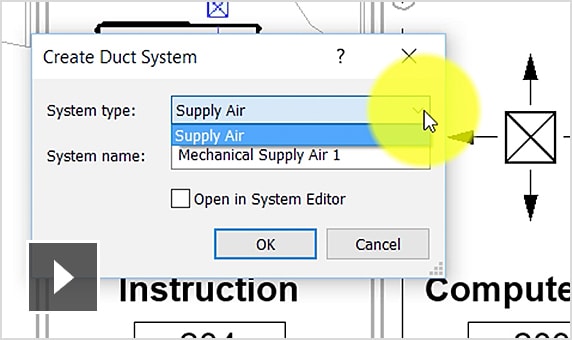
Create the duct system
8:46 minutes
Add components and create the duct system in Revit.
Energy simulation
2:18 minutes
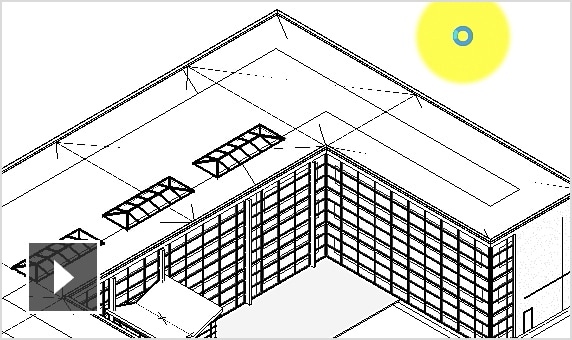
Run energy analysis with the mass model or elements in the building,...
Optimize energy use
6:23 minutes
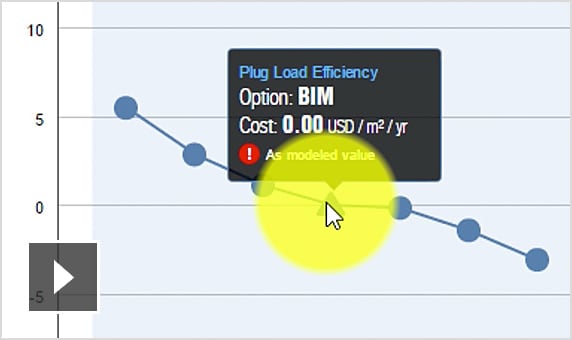
Evaluate the simulation and make necessary changes to optimize energy use in the building.
Create the duct layout
9:00 minutes
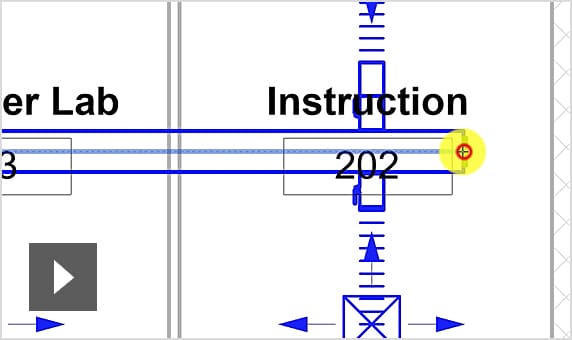
Learn two methods to create the layout of the duct system.
PROJECT MANAGEMENT
Link the Revit model
5:21 minutes
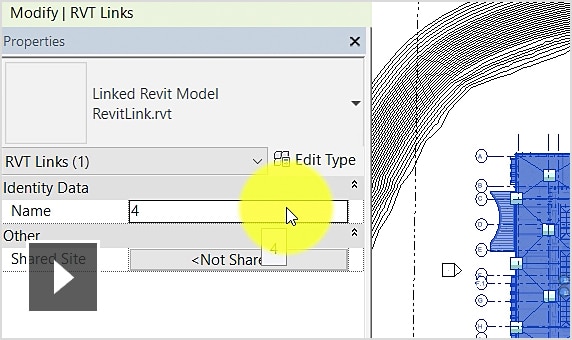
Link the existing Revit model with other Revit models and set the positions of the linked models to align properly.
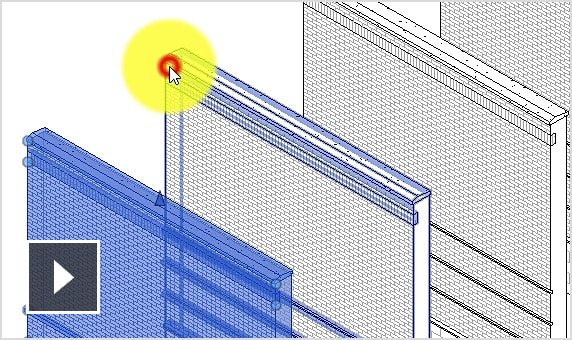
Understand about Phase Statuses
4:25 minutes
Learn how to change the Phase status of elements in the model.
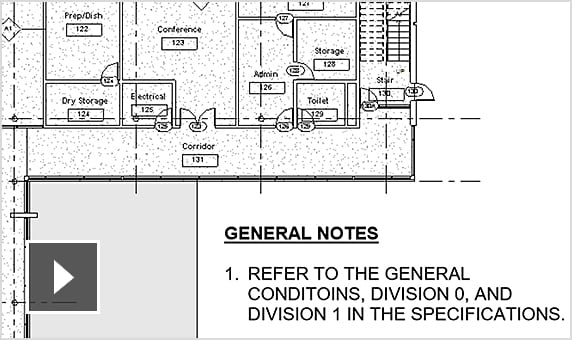
Standardize the annotations
4:16 minutes
Review the annotation methods in Revit, standardize them, and use them to develop a design presentation standard.
FABRICATION
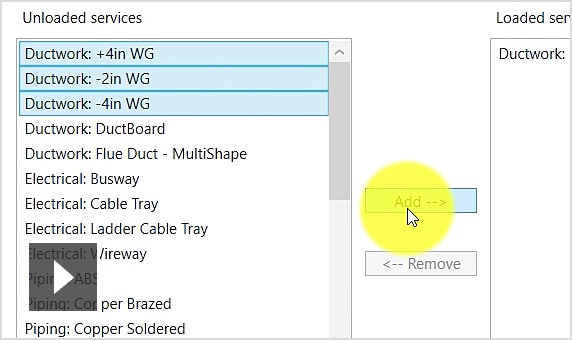
Customize manufacturing parameters
6:28 minutes
Add manufacturing parameters to the project by specifying the necessary configurations.
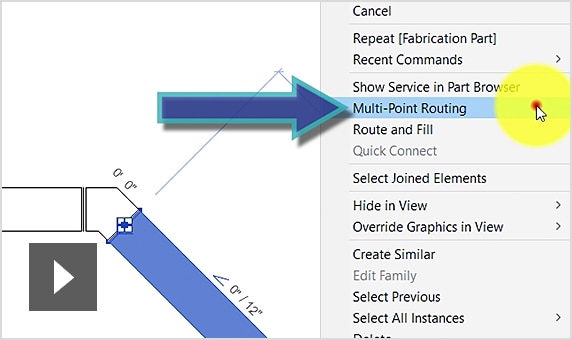
Fabricate routing details
3:46 minutes
Place the fabrication components in the model by clicking on the start and end points.
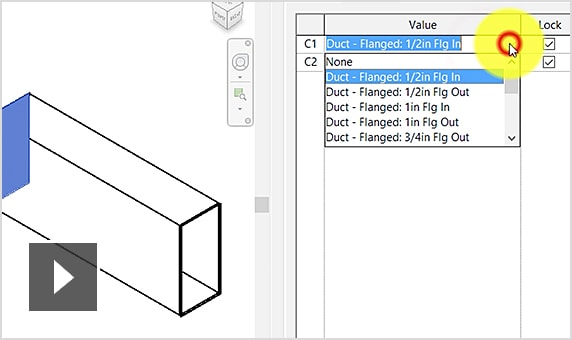
Edit the fabrication of the connection detail
4:37 minutes
Learn how to edit the dimensions and connections between components.

International standard Revit MEPF course.
The Autodesk Revit MEPF course for beginners will help you get familiar with the MEPF design tools in Revit. | The curriculum is directly based on the official Autodesk training materials.