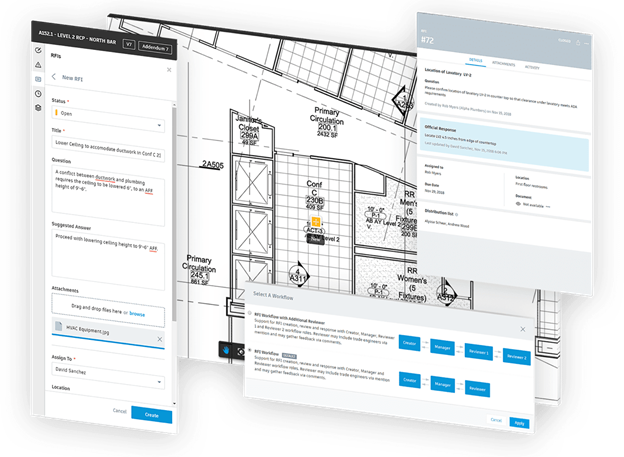
Applying BIM and CDE in the Construction Phase: Effective BIM Implementation through Autodesk’s CDE
A solution for connecting workflows, teams, and data across all project phases
Bring all project teams together on a single construction management software solution. Enable seamless workflow connections and secure collaboration with a single source of truth.
Discover how Autodesk Construction Cloud empowers your project with seamless information connectivity.

Scroll down to learn more.
Solve project document management challenges
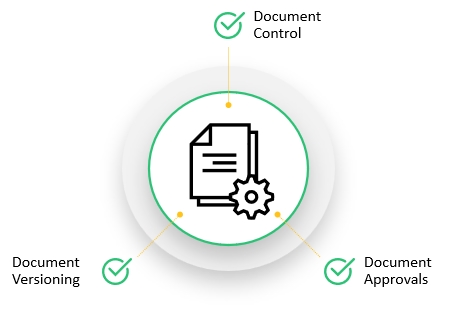
A project generates an enormous volume of documents and information. Effective document management brings significant benefits to the construction process.
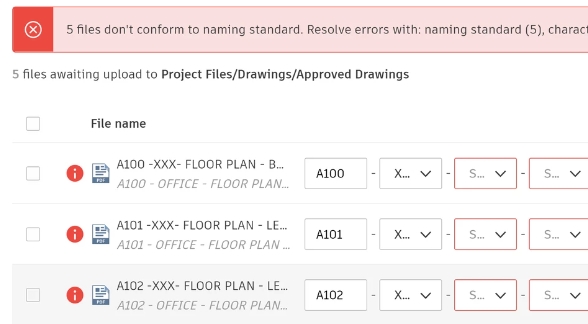
Issue 1How to standardize project documents?
Standardizing document naming (Naming Standard) according to ISO 19650 helps save time and facilitates the implementation of automated document management processes.
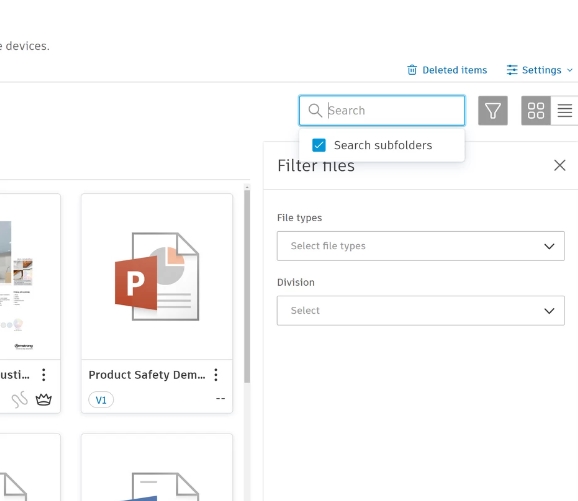
Issue 2How to save time in document management and retrieval?
Digital tools provide powerful filtering and search capabilities, ensuring teams can quickly find the information they need. Store all document versions without worrying about storage location or document volume.
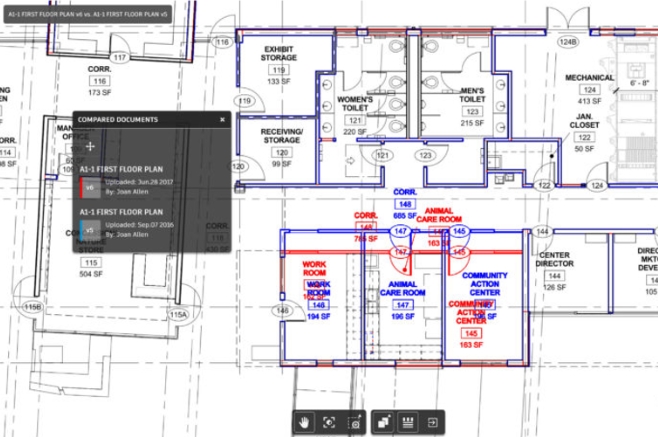
Issue 3How to compare differences between versions?
Document changes frequently occur throughout the project lifecycle, especially with drawings. A dedicated tool can automatically highlight differences between versions, making the process more efficient and effortless.
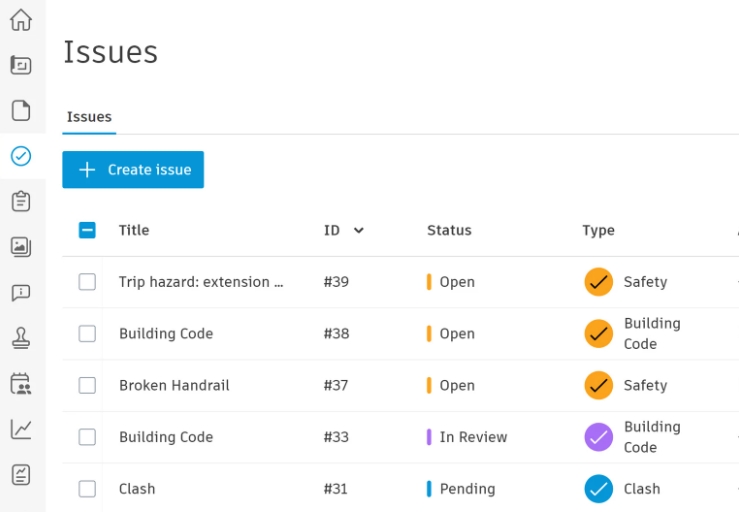
Issue 4How to effectively manage quality and issues while ensuring information reaches the right people?
Digital tools centralize all reports on quality, safety, and issues in one place. They provide filters for status, categorization, creator tracking, and deadline management.
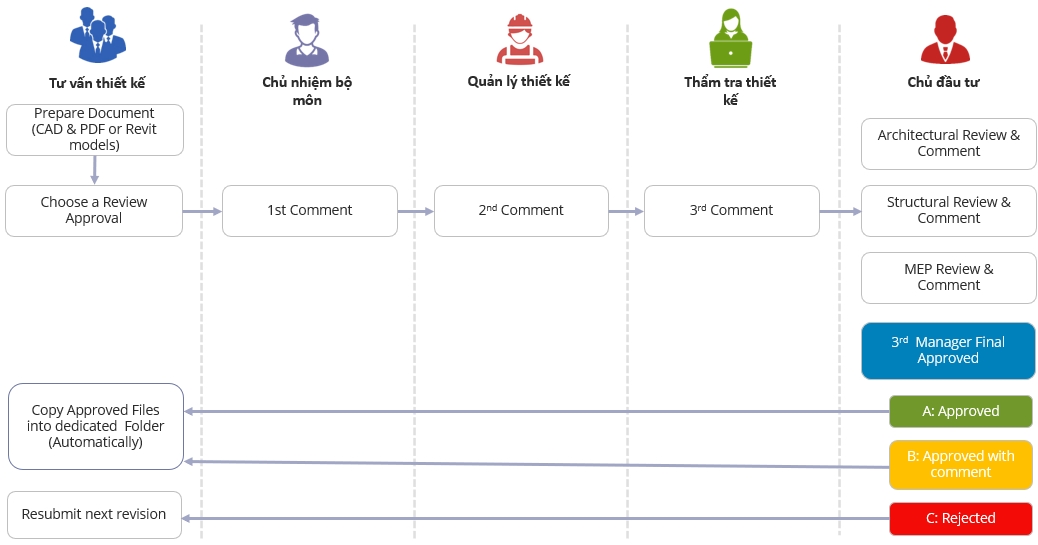
Issue 5How to automate the document approval process?
Automatically set up flexible standard workflows for all activities.

Addressing Common On-Site Issue
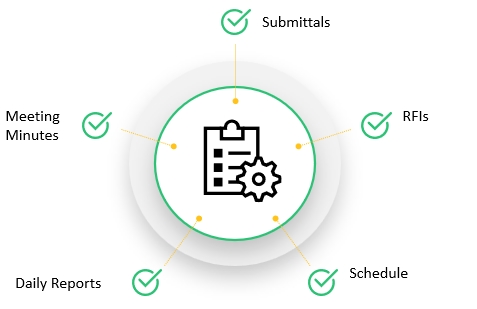
A construction project requires coordination among multiple stakeholders across various tasks and phases. Finding a unified solution that connects these activities is essential.
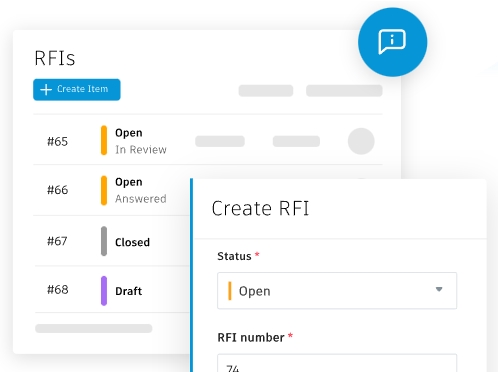
Issue 1How to effectively manage RFIs and submittals? Need to track the progress of contractor-submitted issues? Who is causing project delays?
Digitizing the process allows tracking of contractor-submitted issues, processing time, and deadlines …
Watch the demo video on submittals Watch the demo video on RFIs
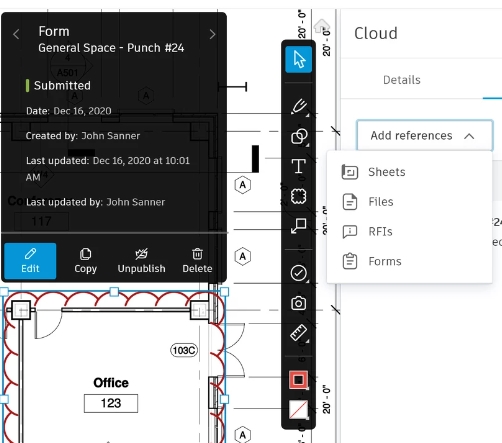
Issue 2How to ensure project members are notified and have a single source of truth when consultants issue updated construction drawings?
Solve data inconsistency issues with a Common Data Environment (CDE) as a single source of truth. When consultants issue updated construction drawings, all project members can access the latest version in one centralized location.
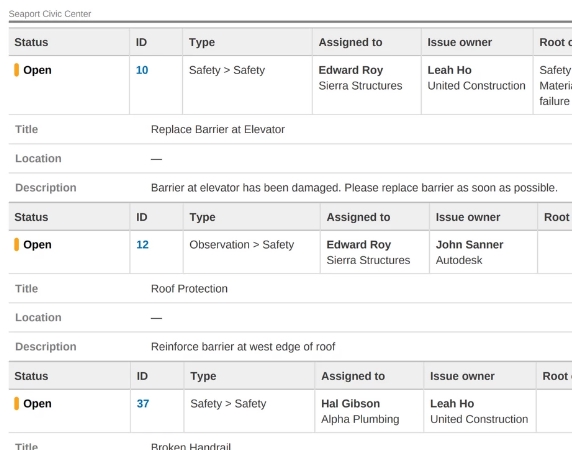
Issue 3How to effectively manage and control defects on-site? Assign responsibility to individuals or teams and track their progress in resolving issues.
Track and manage defects, identify responsible individuals or teams, and monitor their progress in resolving issues.
Watch the demo video of the Issue feature on the web
Watch the demo video of the Issue feature on mobile
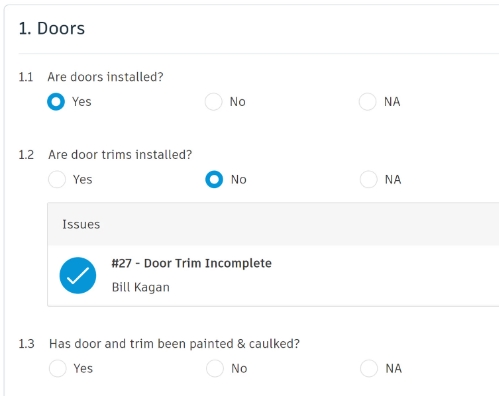
Issue 4How to digitize documents such as acceptance records and checklists? How to store and retrieve these documents efficiently? Is there a way to attach related information to these documents?
Documents such as acceptance records and checklists exist in large quantities and need to be efficiently managed for quick and easy retrieval.
Watch the demo video on the web interface
Watch the demo video on the mobile interface
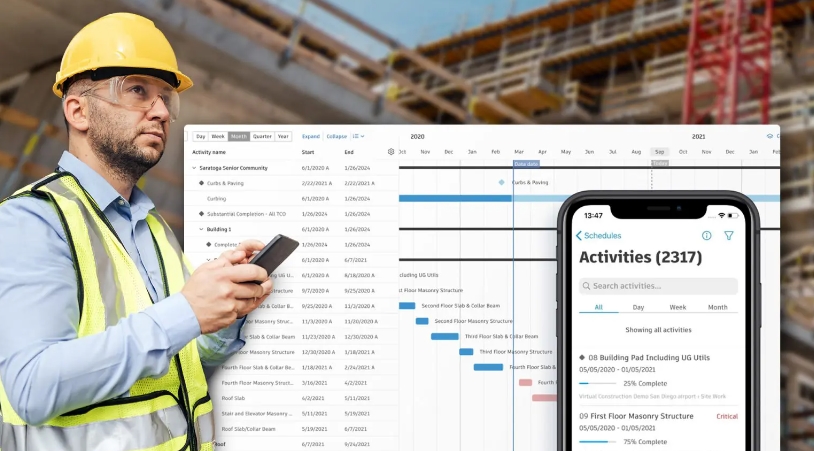
Issue 5Delays caused by errors, missing acceptance records, RFIs, and submittals can impact overall project progress. How can these be connected to the project schedule for easier management?
Delays caused by errors, missing approvals, RFIs, and submittals can impact overall project progress. How can they be integrated into the master schedule for easier management?
Watch the demo video on the Schedules feature
Watch the demo video on Schedule and Cost
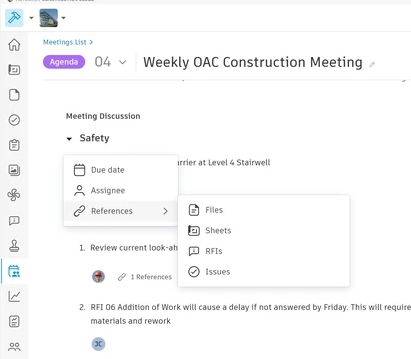
Issue 6How to track meeting information and update the status of action items (if any)?
Create a centralized space to store all meetings, including details, action items, and discussion history.
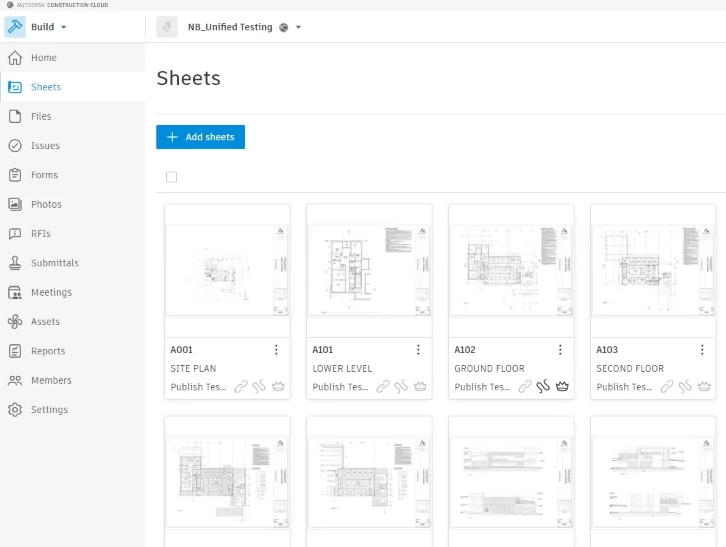
Issue 7How can the project owner store as-built drawings, completion documents, and easily retrieve asset information after project completion?
How can the project owner efficiently store as-built drawings, completion documents, and retrieve asset information after project completion?.
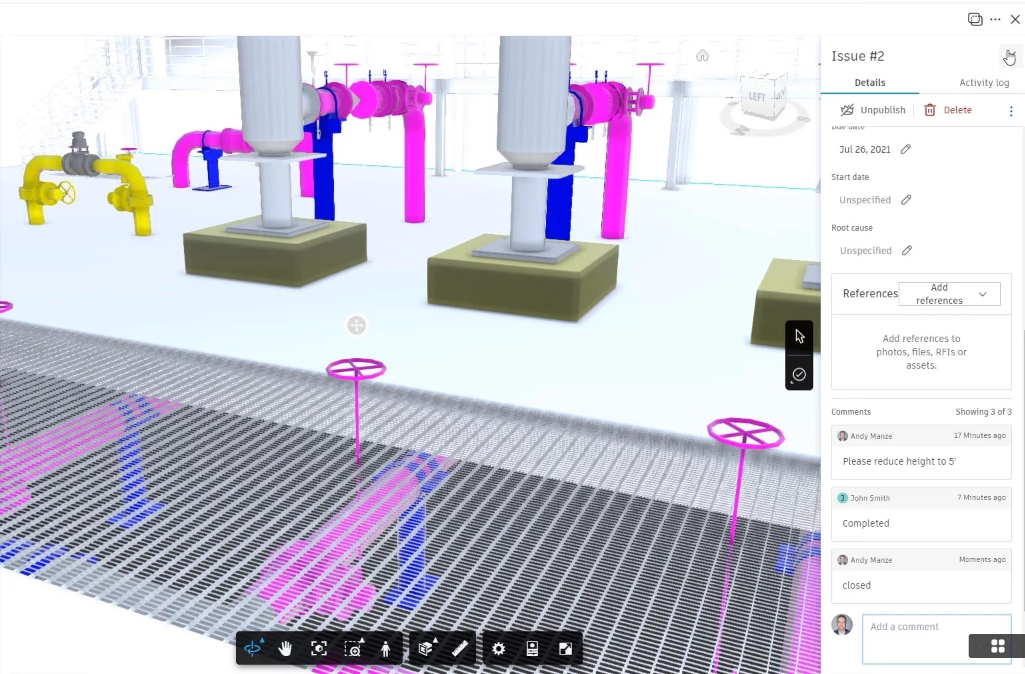
Issue 8How to link the BIM model with project issues? How to verify that the as-built BIM model accurately reflects all updated information during construction?
How to link the BIM model with project issues? How to ensure the as-built BIM model accurately reflects all updates made during construction?
Are you ready to optimize your workflow?
Leave your information, and one of our experts will contact you shortly.