

PRACTICAL APPLICATION
AUTODESK® INVENTOR PROFESSIONAL.
Designing wooden furniture products
Autodesk Inventor Professional combined with some other products in the Product Design & Manufacturing Collection are a comprehensive solution in product design and manufacturing in general and mechanical in particular.
(video has English subtitle)
ADVANTAGES WHEN APPLYING THE 3D DESIGN PROCESS IN INTERIOR WOOD PRODUCTS
WITH INVENTOR PROFESSIONAL
Synchronization
Parametric-design makes the model become coherent. Changes made on the model will automatically update to the drawing board, BOM …
Intuition
With 3D modeling, the control of conflicts becomes easier, everything is displayed intuitively, minimizing the shortcomings in the model.
Correction
The parts or details are not only just 2D sketches but also 3D models with their own information, easily control the number of parts, materials …
Saving
Enterprises can set up a library of products, parts and hardware to reuse and save design time … accurate and fast quotation support.
Extension
3D models support to expand the potential of products with the application in rendering presentations, linking with other software such as Revit, 3DsMax, …
Quality
Quality design management will become simpler with 3D modeling. All tasks will be tightly, directly and accurately managed,…
Difficulties and solutions in designing wooden interior product with Inventor
Difficulties The biggest difficulty is due to the accuracy of the model, the user will have to spend a lot of time building the model.
Solution To deal with that difficulty, OneCAD VN’s plan is to implement a correct design process and use Add-In to automate some steps.
Process Content
(process with exclusively AddIn Furniture SpeedTools from OneCADVN)
- Quickly designing through concept management process.
- SmartBox adaptive design cluster.
- Manage and attach Hardware.
- Manage detailed properties, materials, part specification.
- Export BOM in conjunction with Excel to support pricing and statistics.
- Automatic batching of drawings.
- Product Data Management (PDM).
- Nesting, outsourcing production.
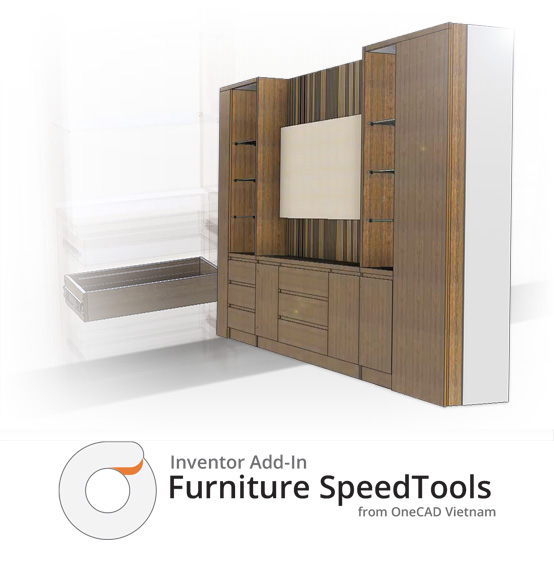

Autodesk Inventor Professional
Add-In Furniture SpeedTools (FST)
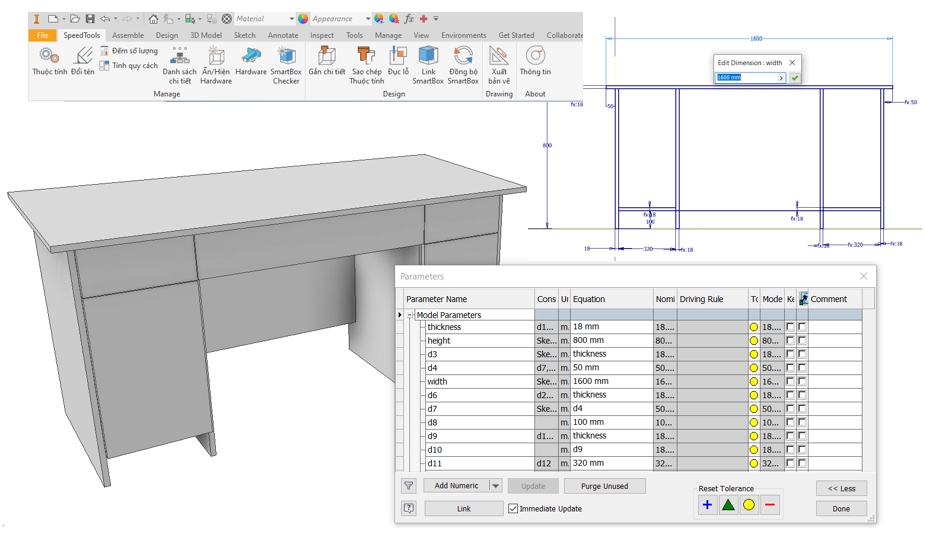
Quickly designing through concept management process
Combined with Inventor functionalities, we provide a design process based on multi-solid to concept creation
Dimensions are parameter-based for easy to change and edit.
Fast attach assemblies with adaptive SmartBox design
Based on Concept design, users can link with SmartBox templates from AddIn FST, these smartboxes will resize to adapt with linked concept area.
- Automatically synchronize SmartBox cluster’s size according to Concept.
- Automatically change the number and type of hardware to sync process.
- Automatically synchronously resize when Concept changes.
 Watch video introduction about SmartBox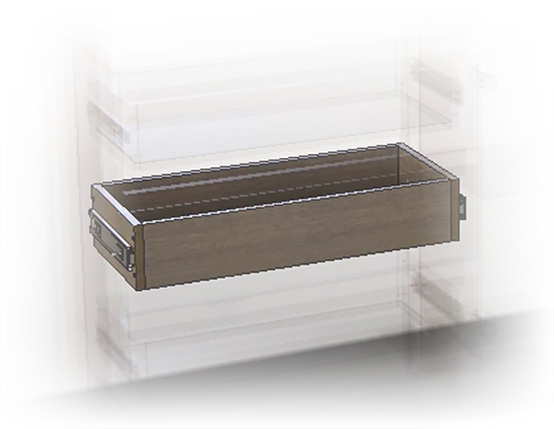
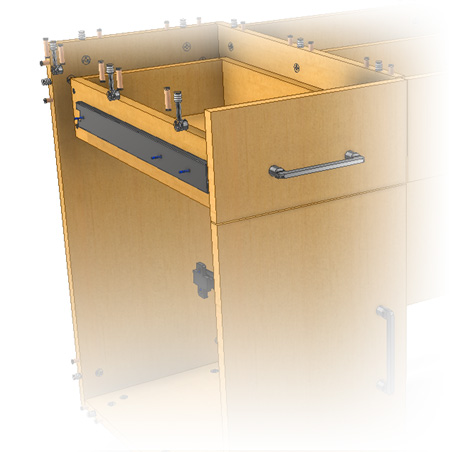
Manage and attach hardware
Hardware is one of the important components in wooden interior products, they can be positioning pins, hinges, rails …
In addition, to management available hardware in Inventor, Add-In FST provides additional tools for automatic hardware mounting and punching.
- Install hardware in bulk.
- Automatically punch the hardware mounting positions.
- Change hardware parameters based on iPart, fast copy parameter.
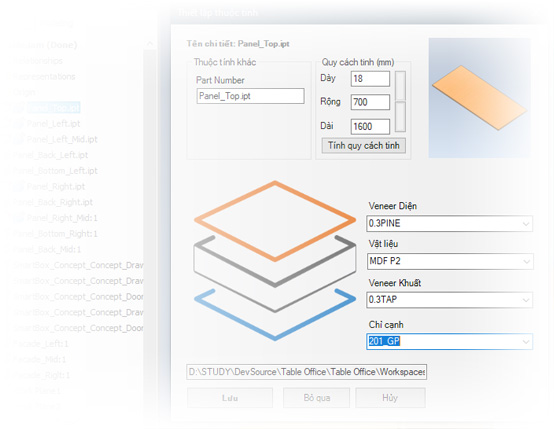
Manage detailed properties, materials, part specification
Add-In FST develops functions to manage specific properties for the wood industry; supports automatic part specification, export lists to support volume calculation, pricing,…
- Automatic part specification
- Rename details quickly
- Enter the material information, veneer…
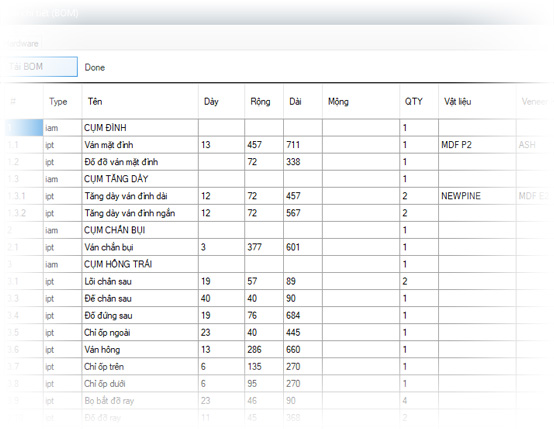
Export BOM in conjunction with Excel to support pricing and statistics
Add-In FST develops a separate BOM counting system based on the specific needs of the wood industry. This tool supports:
- Count separate details for each cluster
- Full export information about specifications, materials, veener, …
- Comparison of loss between specification weight and real weight.
- …
Automatic drawing generating
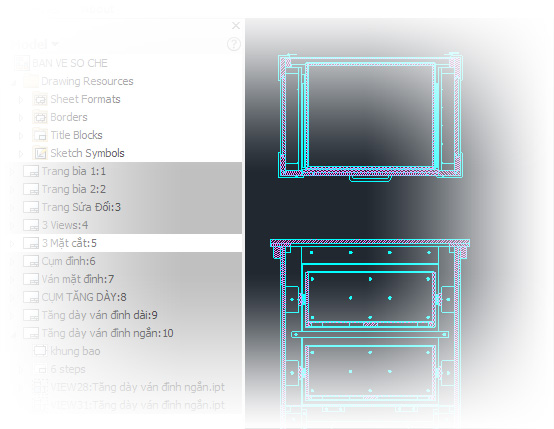
Inventor Add-In FST supports automatic batch drawing tool, which saves a lot of time at this step:
- Automatic publishing according to Template and SheetFomat of the business.
- Automatically naming the sheets.
- Automatic creation of basic dimension lines
- …
Product Data Management (PDM)
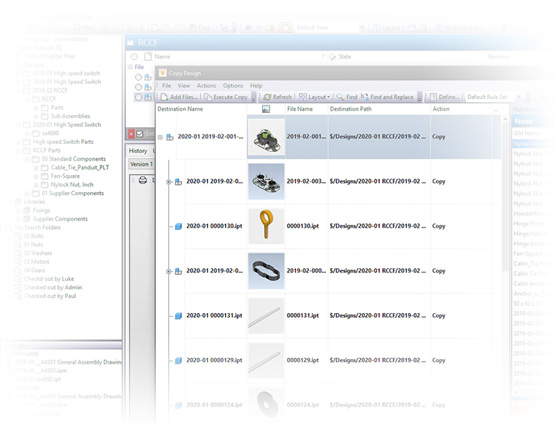
Deploy the design data management process with Autodesk Vault software. Supporting for more secure data management:
- Archiving design history.
- Data security, decentralization of access, editing.
- Reuse product design.
- Create backup.
- …
And you can do more with extenders that support product design, testing, optimization, and design.
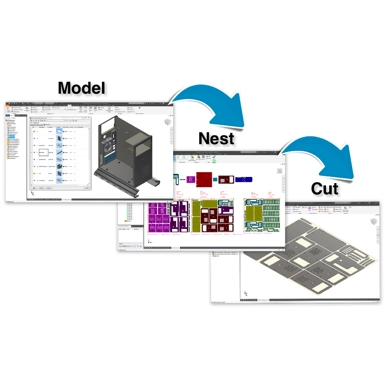
Inventor Nesting
True-shape nesting and design support tool to optimize sheeting on pre-machined materials, compatible with Inventor CAM tool for CNC machining, mapping report and compare.
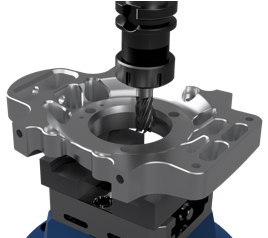
Inventor CAM
Inventor CAM is an additional support software for Inventor, for CNC with a simple user interface, working directly on Inventor’s CAD environment, machining support 2.5 – 5 axes.
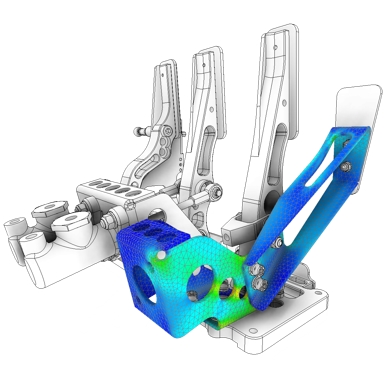
Inventor Nastran
Inventor Nastran is a professional simulation tool; based on finite element theory that is integrated right into Inventor’s CAD environment; Which helps users solve problems from simple to complex.