Comprehensive Solution for Engineering Data Management (PDM)
A professional data management system from Autodesk, seamlessly integrated with its software like Inventor, AutoCAD, and more.
Comprehensive design data management
A part of Autodesk’s comprehensive solution.
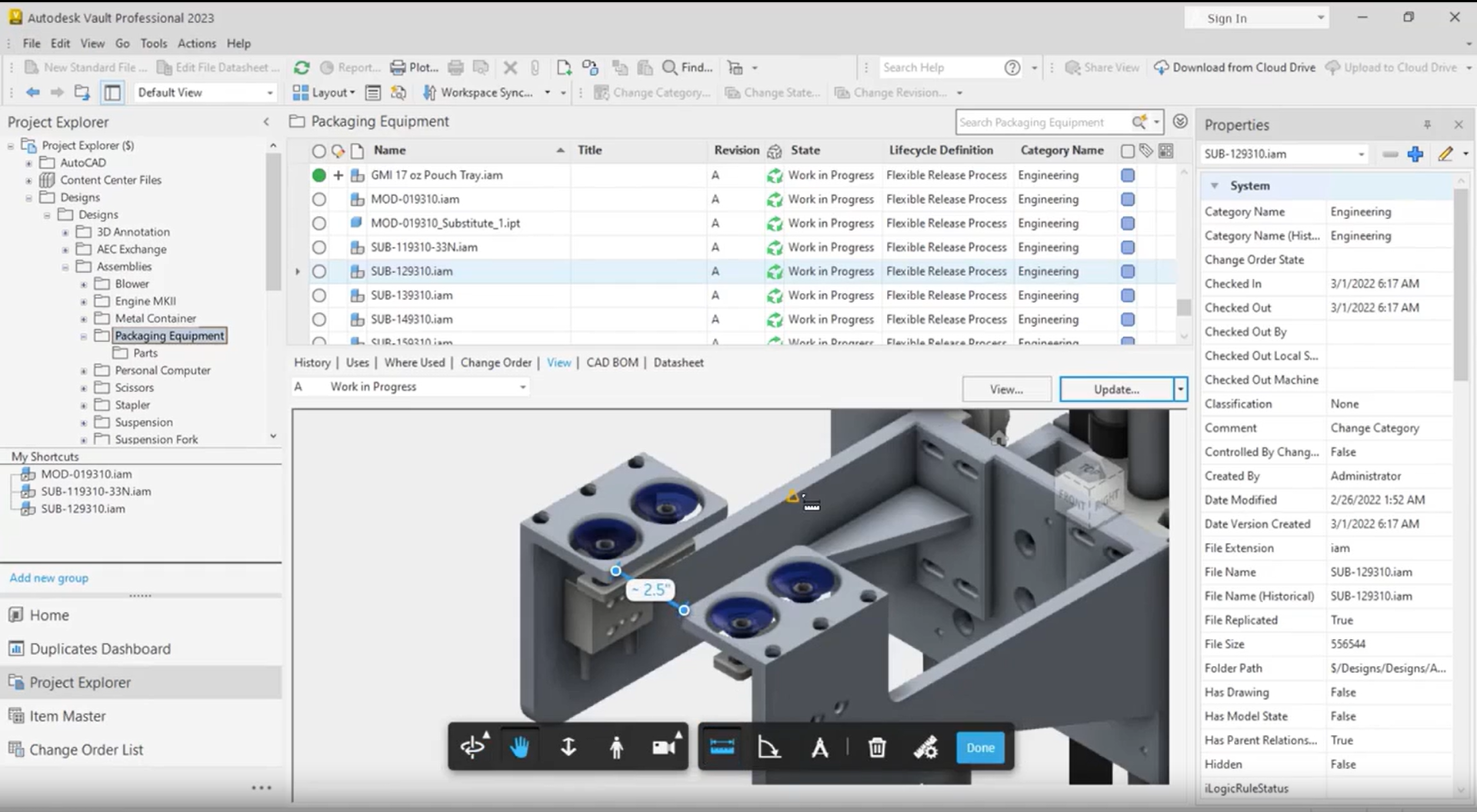
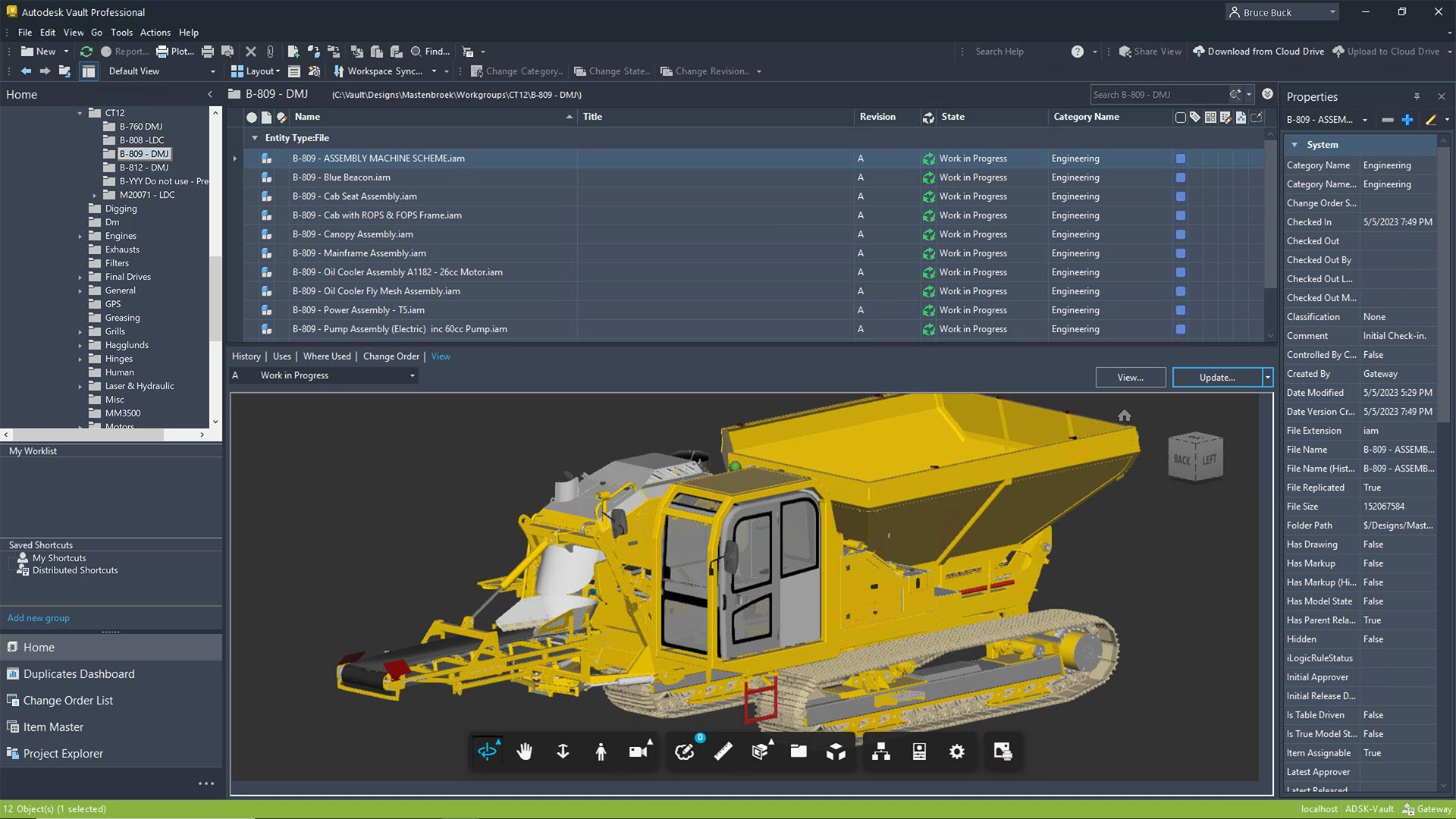
Autodesk Vault helps track and control design data. Data is centrally stored, allowing users to easily share information and collaborate. Maximizes project time savings and minimizes data loss incidents.
⚠️Attention: Currently, Autodesk only provides licenses for businesses and does not offer them to individuals. Please provide your company information when requesting a quote to receive the best pricing support.
OneCAD Vietnam is Autodesk’s highest-level partner in Vietnam, committed to offering the best prices on the market.


Vault is included for free in the PD&M Collection
Call us now: 0919-019-964
For deployment consultation!

The benefits of
Autodesk Vault
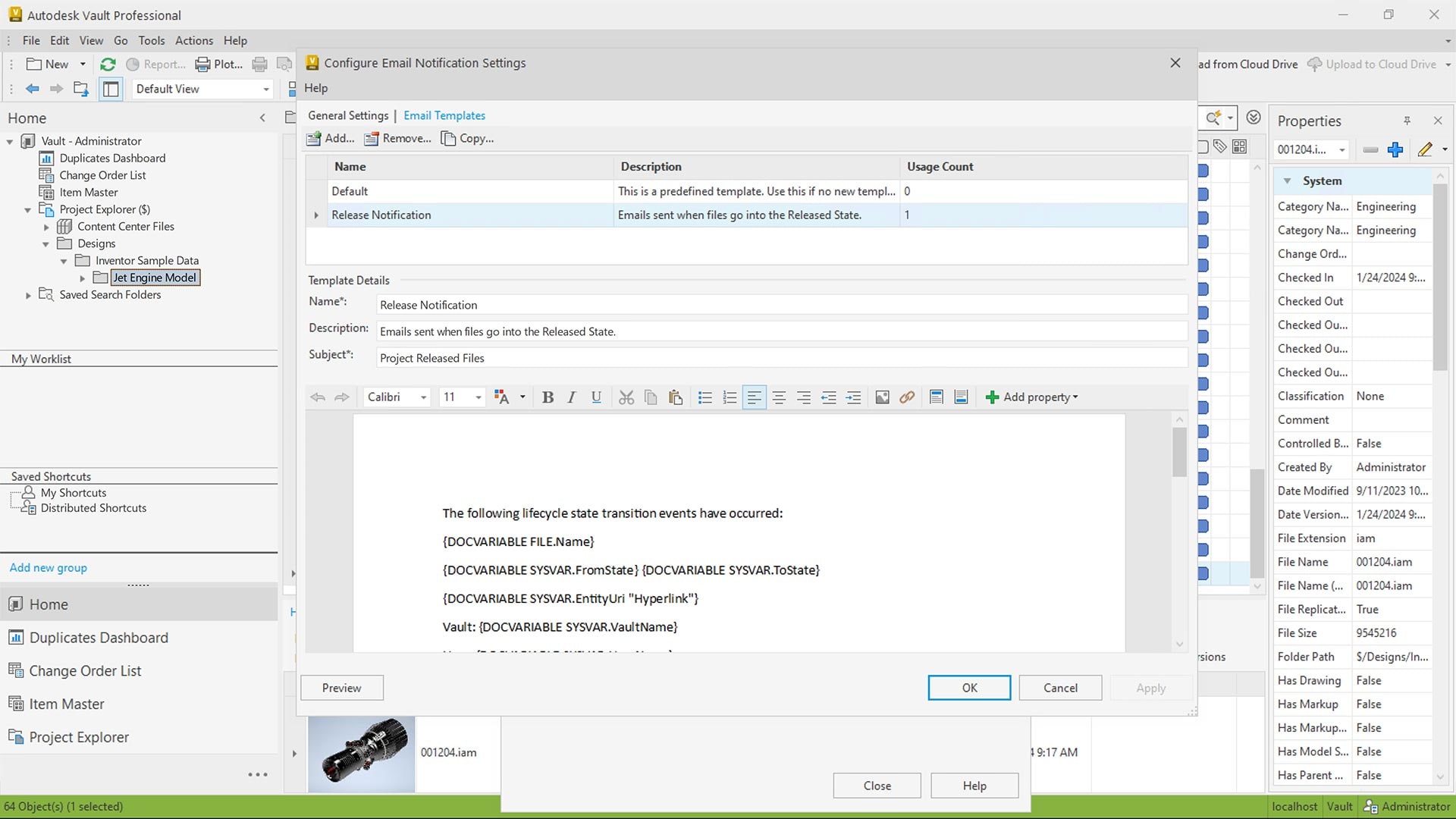
Autodesk Vault provides various administrative tools to establish standards for workflows such as design approvals and document releases.
Enable collaboration among stakeholders by allowing file sharing and information updates while maintaining access control.

Key Features of
Autodesk Vault

Data Reuse
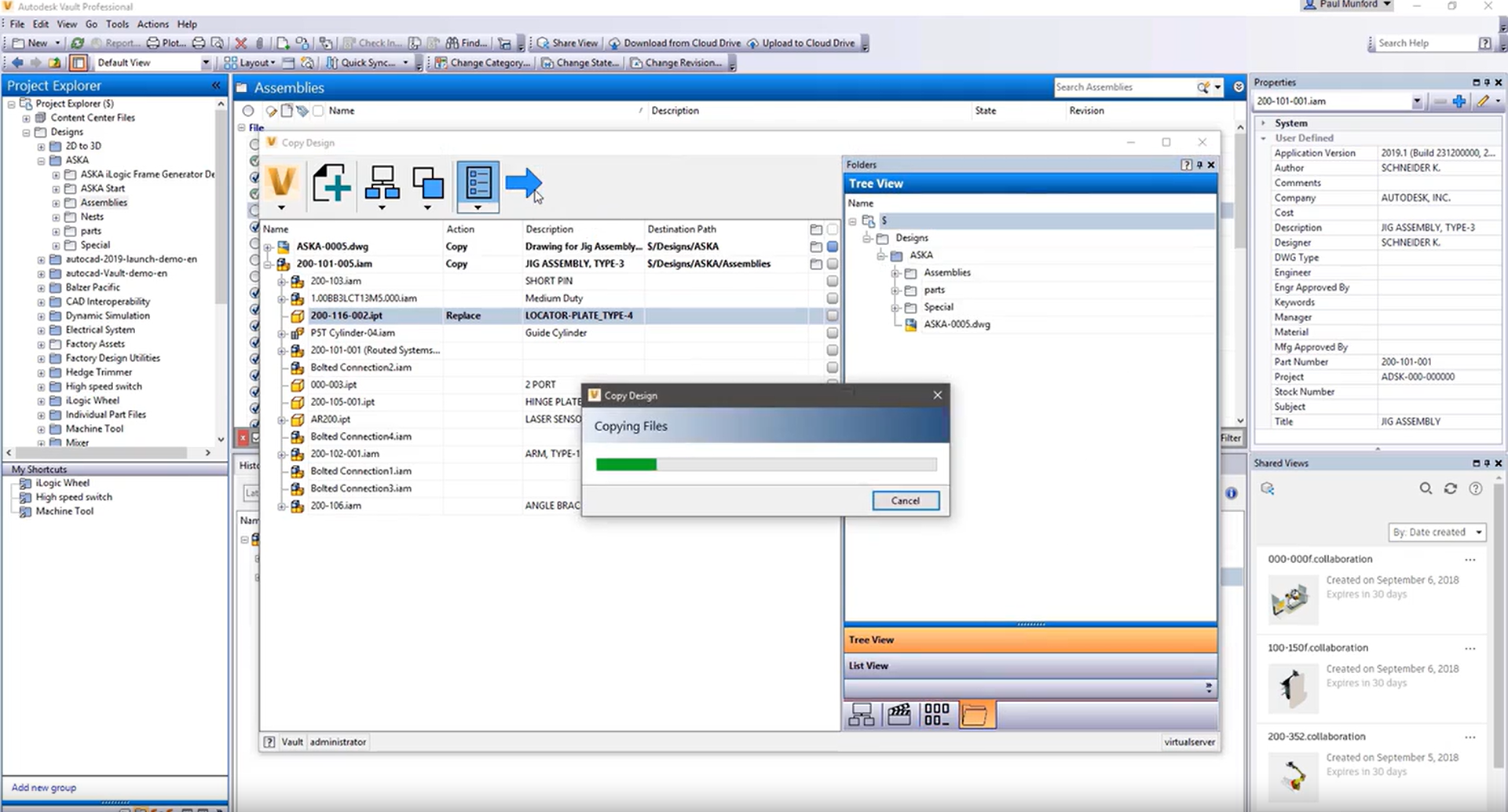
Save time by starting with a previous design. Easily copy and reuse designs.

Seamlessly integrate into CAD software
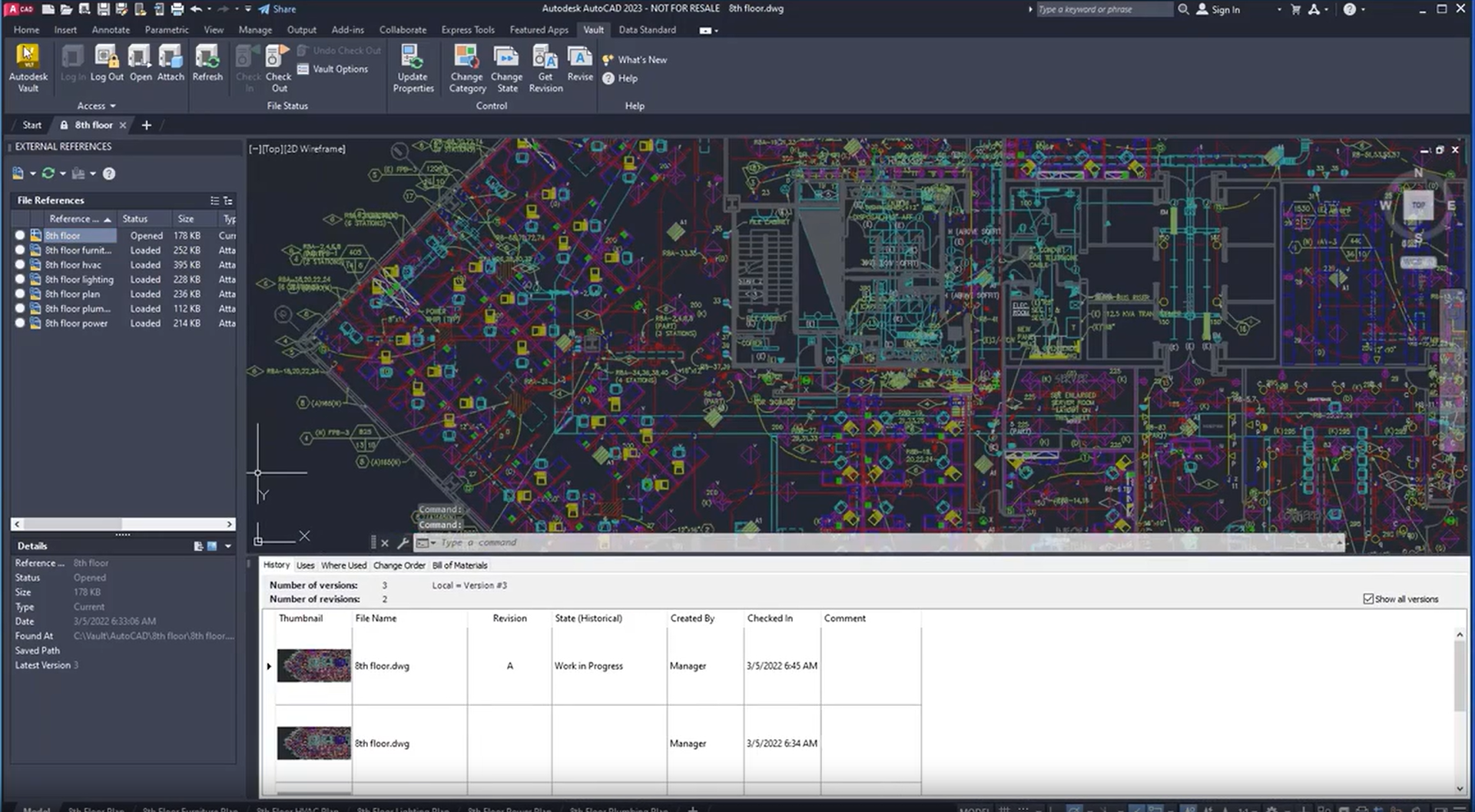
Vault is an integrated solution for Autodesk design software, simplifying the data synchronization process.

Design Collaboration
Members can easily access and interact with the design while ensuring data security and protection.

Easy administration and configuration
Vault provides an intuitive interface, enabling efficient management of design data.

Supports Microsoft Office
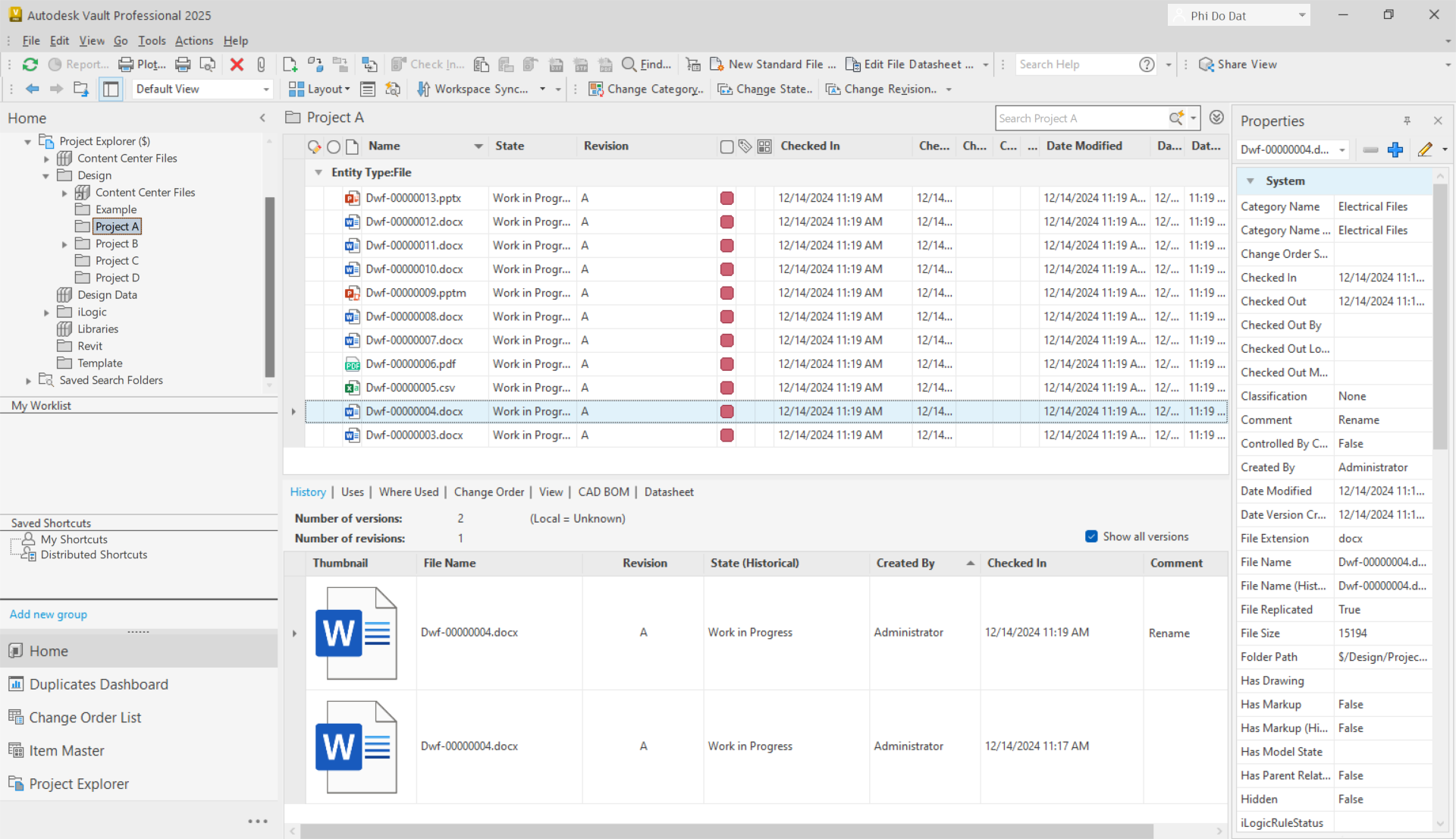
Easily integrate project data from Vault into Microsoft Office Word, Excel, and PowerPoint.

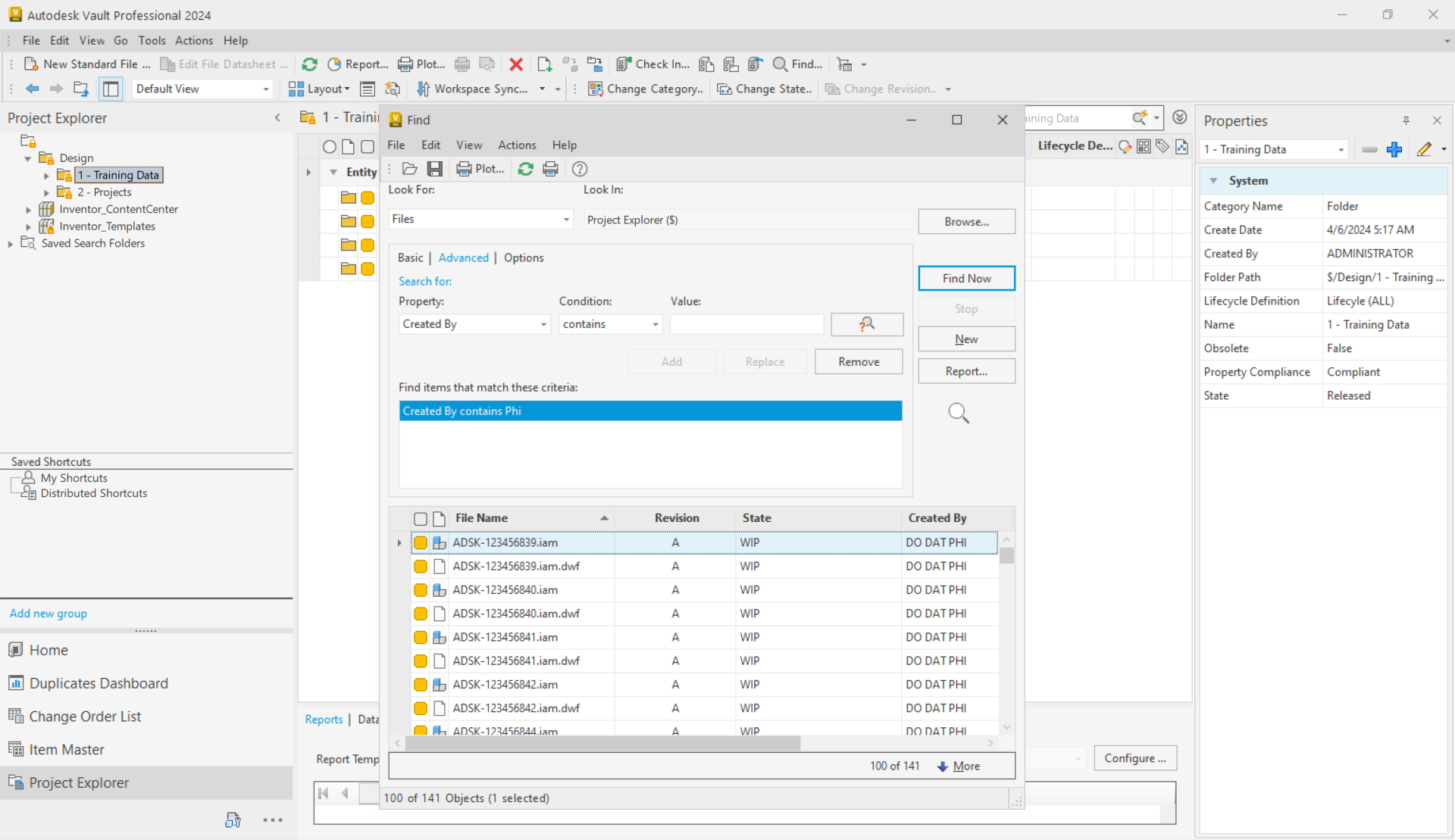
Quickly search for data
Access data faster and more efficiently with optimized searches and shortcuts.
Consult on Autodesk Vault deployment at OneCAD Vietnam, a professional Autodesk software provider
Types of Vault
- Vault Basic: Equipped with tools for tracking and updating data. Integrated for free when deployed with Autodesk products such as the PD&M Collection, Inventor, and AutoCAD Toolset.
- Vault Professional: With full features for data management, product lifecycle management, and folder permissions. This product is distributed separately.
Function Comparison Table
![]() | ![]() | |
|---|---|---|
| COST | ||
| Not sold separately | Paid | |
| FEATURES | ||
| Manage CAD and Non-CAD Data | ✔️ | ✔️ |
| Integrated Interface | ✔️ | ✔️ |
| Centralized Data | ✔️ | ✔️ |
| Easy Deployment and Configuration | ✔️ | ✔️ |
| Data Retrieval | ✔️ | ✔️ |
| Automated Version | ✔️ | ✔️ |
| Design Reuse | ✔️ | ✔️ |
| Fast Data Search | ✔️ | ✔️ |
| Labels | ✔️ | ✔️ |
| Shortcuts | ✔️ | ✔️ |
| Custom view | ✔️ | ✔️ |
| Rename | ✔️ | ✔️ |
| Folder Security | ✔️ | |
| Release Management | ✔️ | |
| Design Change Process | ✔️ | |
| Automatic Naming | ✔️ | |
| Shared View | ✔️ | |
| Share Data | ✔️ | |
| Project Sync | ✔️ | |
| BOM Management | ✔️ | |
| Multiple Servers | ✔️ | |
| ERP Integration | ✔️ | |
Included for free in
Autodesk Inventor and
PD&M Collection
The Vault solution is integrated into Autodesk’s licensed product suites. Contact us if you need deployment support.
Product Design & Manufacturing Collection
Product Consultation
Q&A
What is Autodesk Vault used for?
Vault is used for data management, workflow automation, and integration with Autodesk design tools and other CAD systems.
Who is suitable for using Autodesk Vault?
Autodesk Vault is used by engineers and designers to optimize workflows and accelerate product development. Everyone works from a centralized, well-organized data source, enabling efficient collaboration, minimizing errors, and saving time.
What is the structure of Autodesk Vault?
Autodesk Vault consists of two parts:
- Vault Server:
- The place where data is stored.
- Connects via the internet or a local network.
- Vault Client:
- A bridge between the Vault system and design software.
- Direct integration into Autodesk design applications.
- Support for collaboration Check in, Check out and design reuse
What types of Autodesk Vault are available?
There are two main types:
- Autodesk Vault Professional
- Autodesk Vault Basic
What is Vault PLM used for?
Autodesk Vault PLM is a solution that combines Vault Professional with Autodesk Fusion Manage to enable enterprise-wide collaboration for all stakeholders in the product lifecycle—from engineering and supply chain to quality and manufacturing.