

Cloud-based document management and common data environment. Autodesk Forma Data Management is now available in the AEC Collection or as a standalone product.
CONTACT US
or call 0919-019-964

Empowers centralized data management across a cloud-based environment

Built for teams to seamlessly store, access, and collaborate on cloud data
What is Autodesk Forma Data Management?
Autodesk Forma Data Management (formerly Autodesk Docs) is a centralized construction document management solution that allows you to easily manage, distribute, and share data from a single source throughout the project lifecycle. By complying with the ISO 19650 standard for a Common Data Environment (CDE), Autodesk Forma Data Management will help you:
- Minimize errors and unnecessary rework.
- Save time searching for information.
- Enhance work efficiency with a robust approval process.
- Improve alignment and communication between project teams.

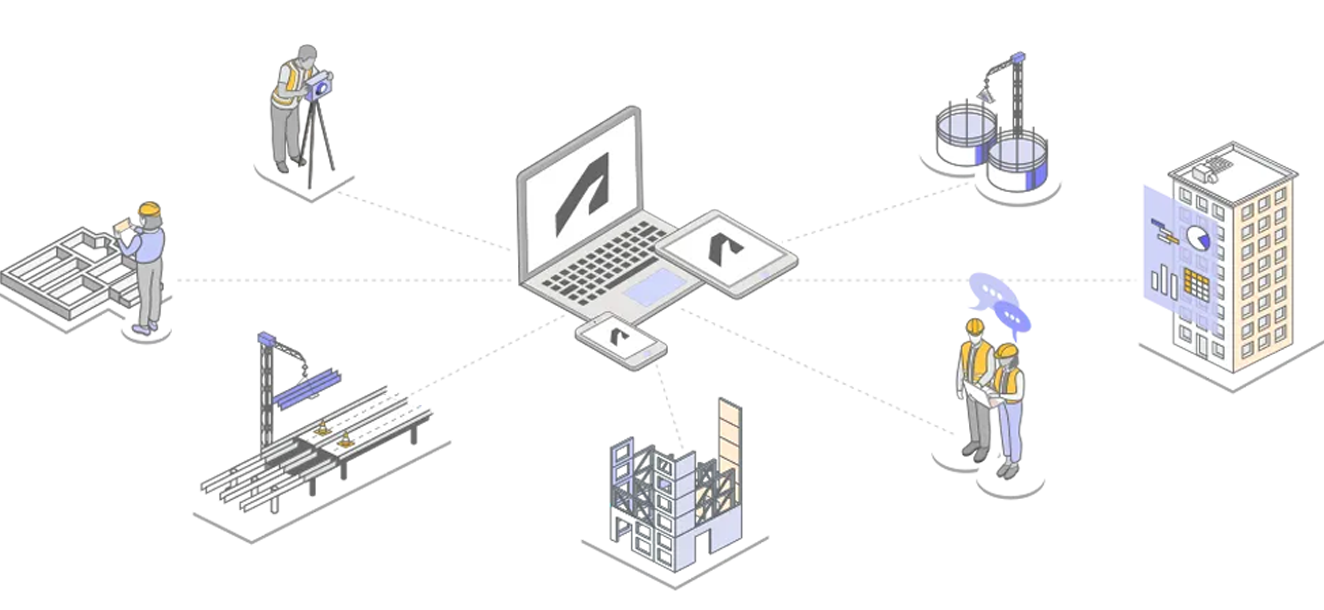
Manage project documents and data
from design to construction
on a single platform
Key features to optimize
every process
Document management
Set naming standards
Manage document versions
Collaborate and exchange information
Digitize the document approval process
Centralized issue management
Data sharing
Digital asset handover
Document management
Ensure information reaches the right people at the right time by creating and managing project folder access permissions on the cloud platform. Additionally, the File Naming Standard tool helps team members easily manage and locate the information they need.
Support users in quickly creating naming standards according to ISO 19650 using predefined naming standard templates within the project.
Track and manage document versions to ensure all parties are working with the latest information. Supports version comparison to check for changes.
The Markup and Issue tools allow users to create annotations and exchange information on documents, enhancing collaboration among project members or teams.
Reduce manual work and automate the review of drawings, models, and documents before publishing and sharing.
Easily track and resolve quality issues across teams with a centralized list of issues managed in one place.
Provides data-sharing capabilities across projects between different CDEs within the same data storage center.
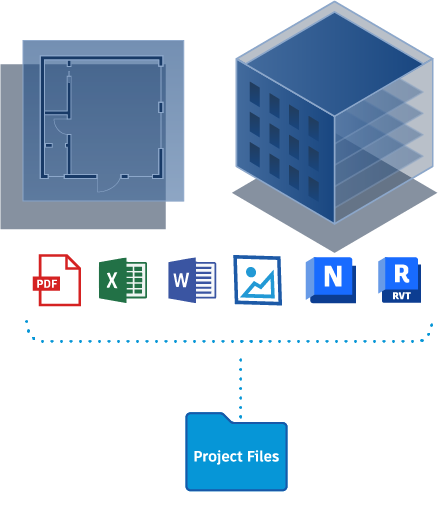
A centralized storage location for all project data, enabling faster digital asset data transfer.
Enjoy the best offers at OneCAD Vietnam, Autodesk’s strategic partner in Vietnam
Other Features of
Autodesk Forma Data Management
Comprehensive Features to Support All Your Needs!
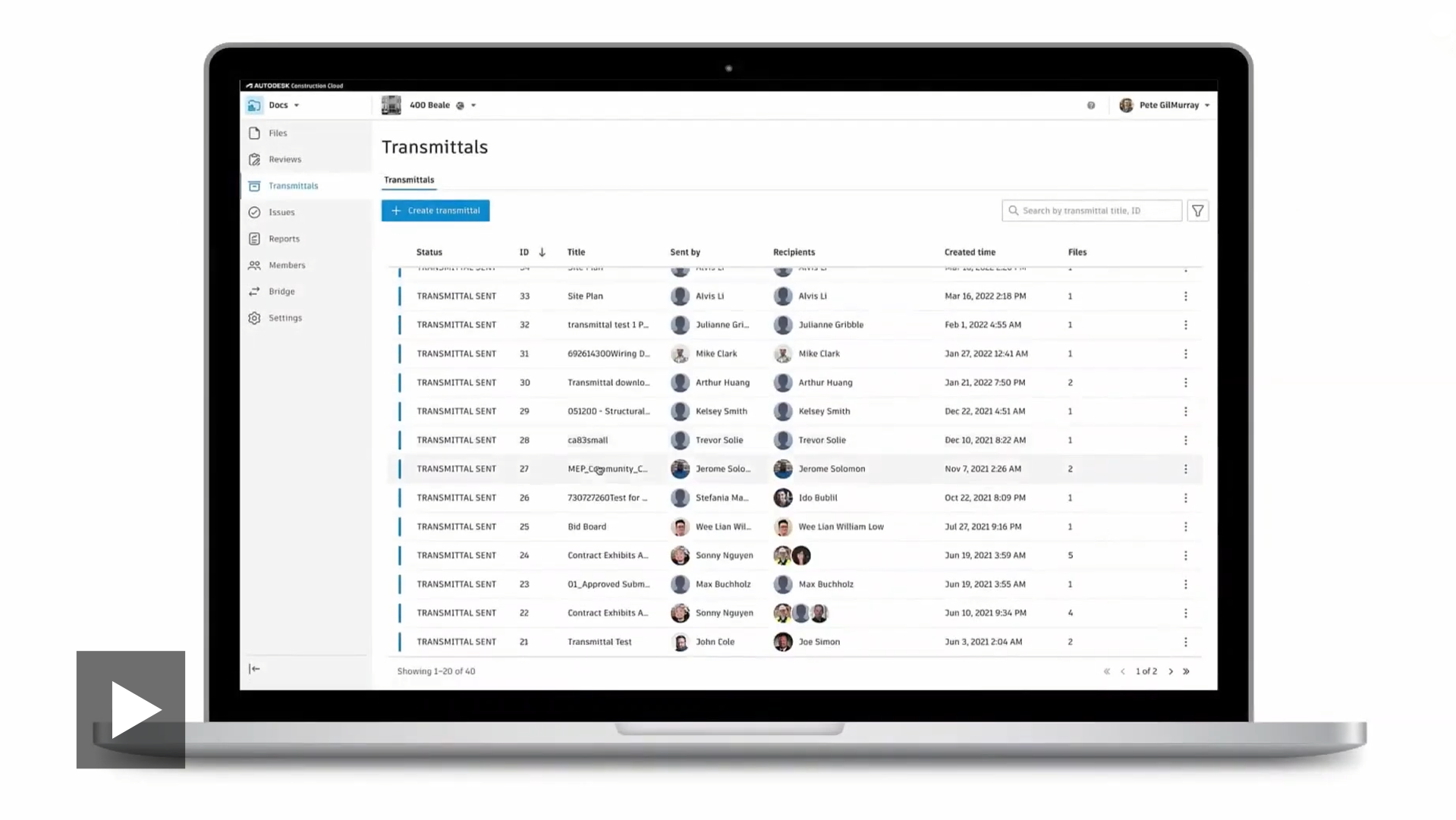
Document Transfer
Formalize the information you need to share, easily create and distribute transmissions to project teams, and quickly track shared information.
(Click on the image to watch the video)
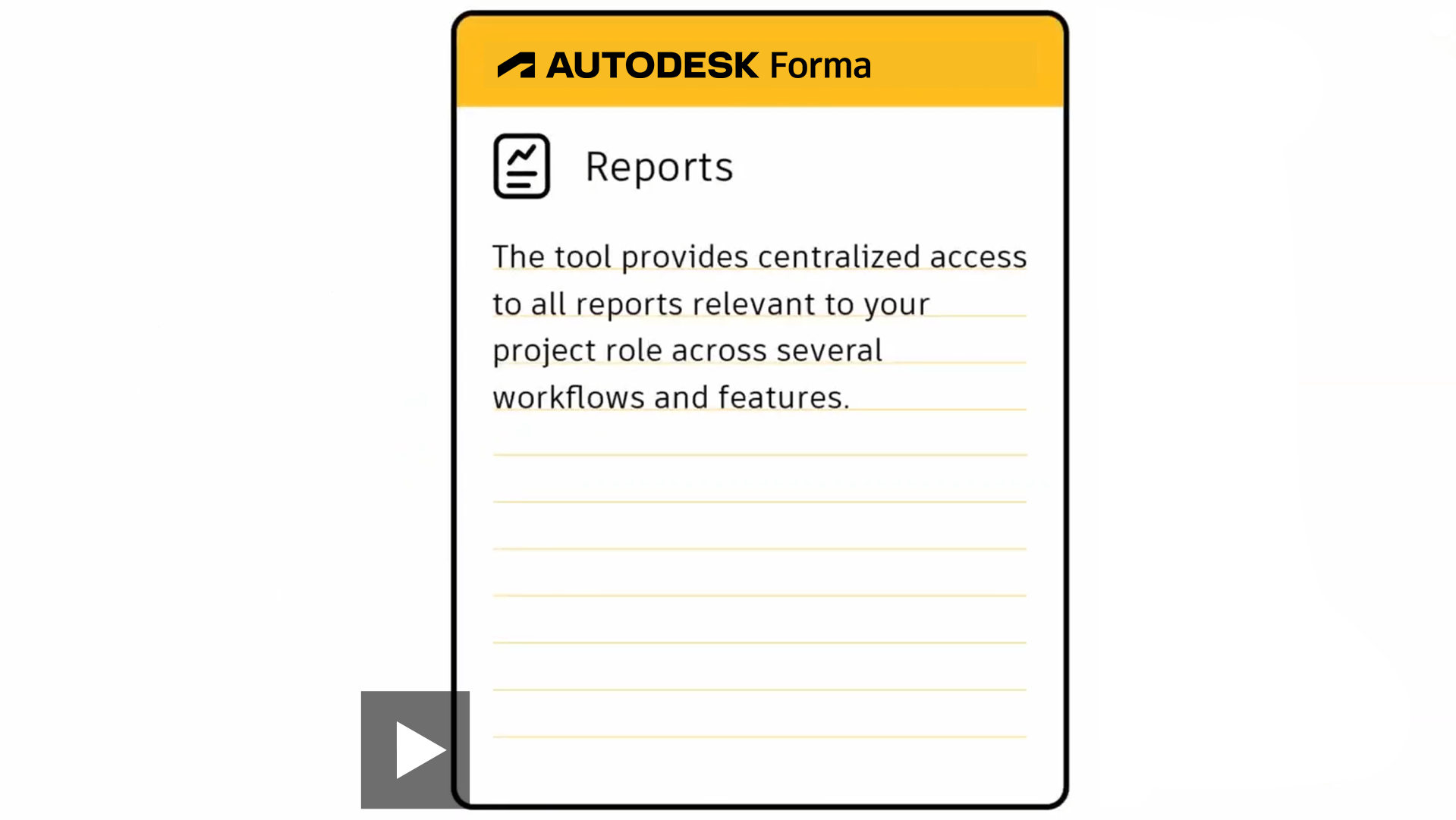
Report
Provide centralized access to all project-related report data, supporting report scheduling, sharing, and exporting information for internal or external project collaborators.
(Click on the image to watch the video)
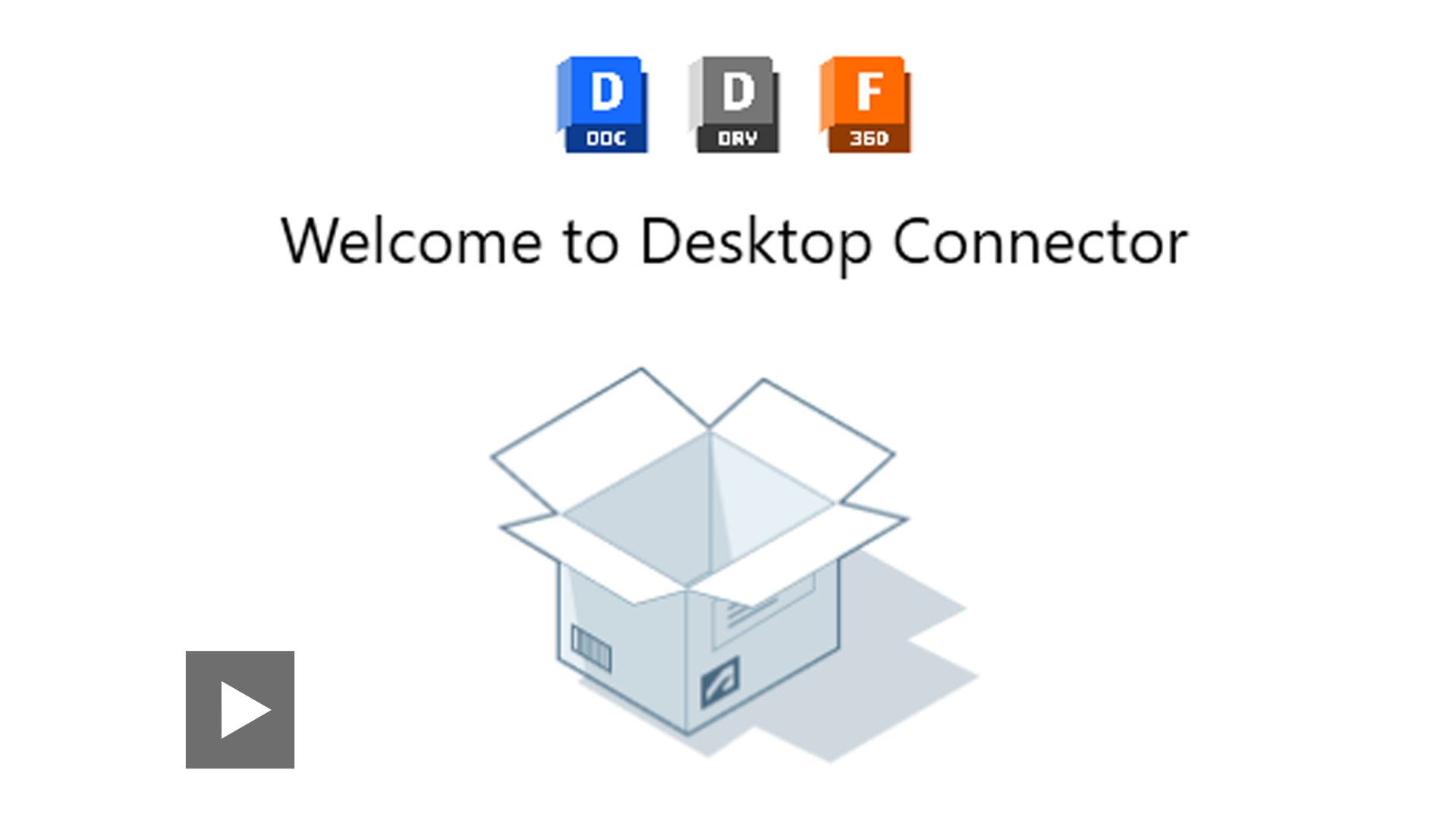
Data Connectivity Application
Store, save, move, rename, and delete files directly from your computer with Desktop Connector.
(Click on the image to watch the video)
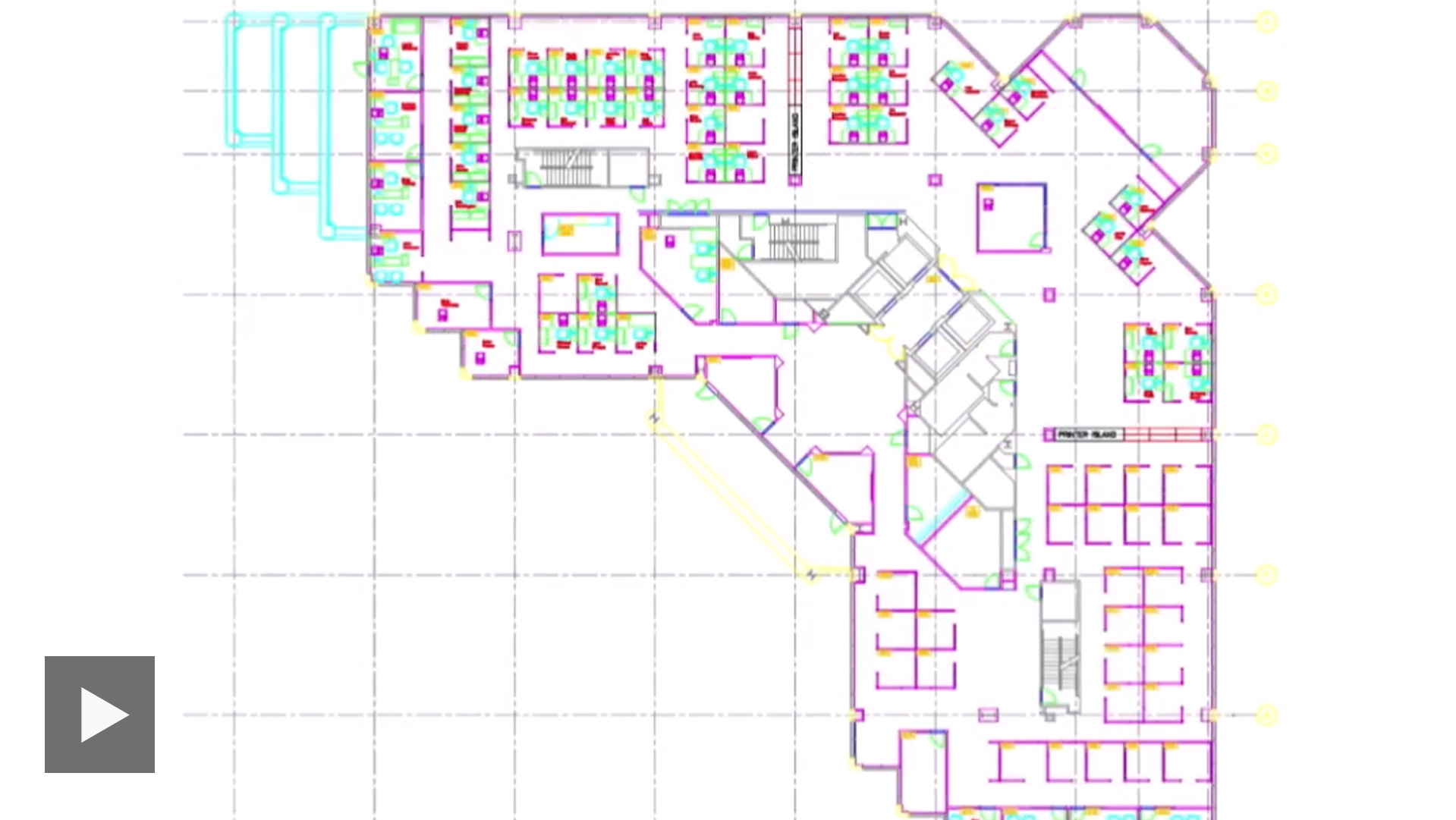
Integration with the Autodesk ecosystem
Autodesk software such as AutoCAD, Revit, and Civil 3D will be integrated with the data connection gateway to Autodesk Docs, allowing workflow optimization and minimizing duplication.
(Click on the image to watch the video)
The benefits of Autodesk Docs
for the construction industry
Centralized data storage in a single reliable source,
helping to connect personnel, processes, and data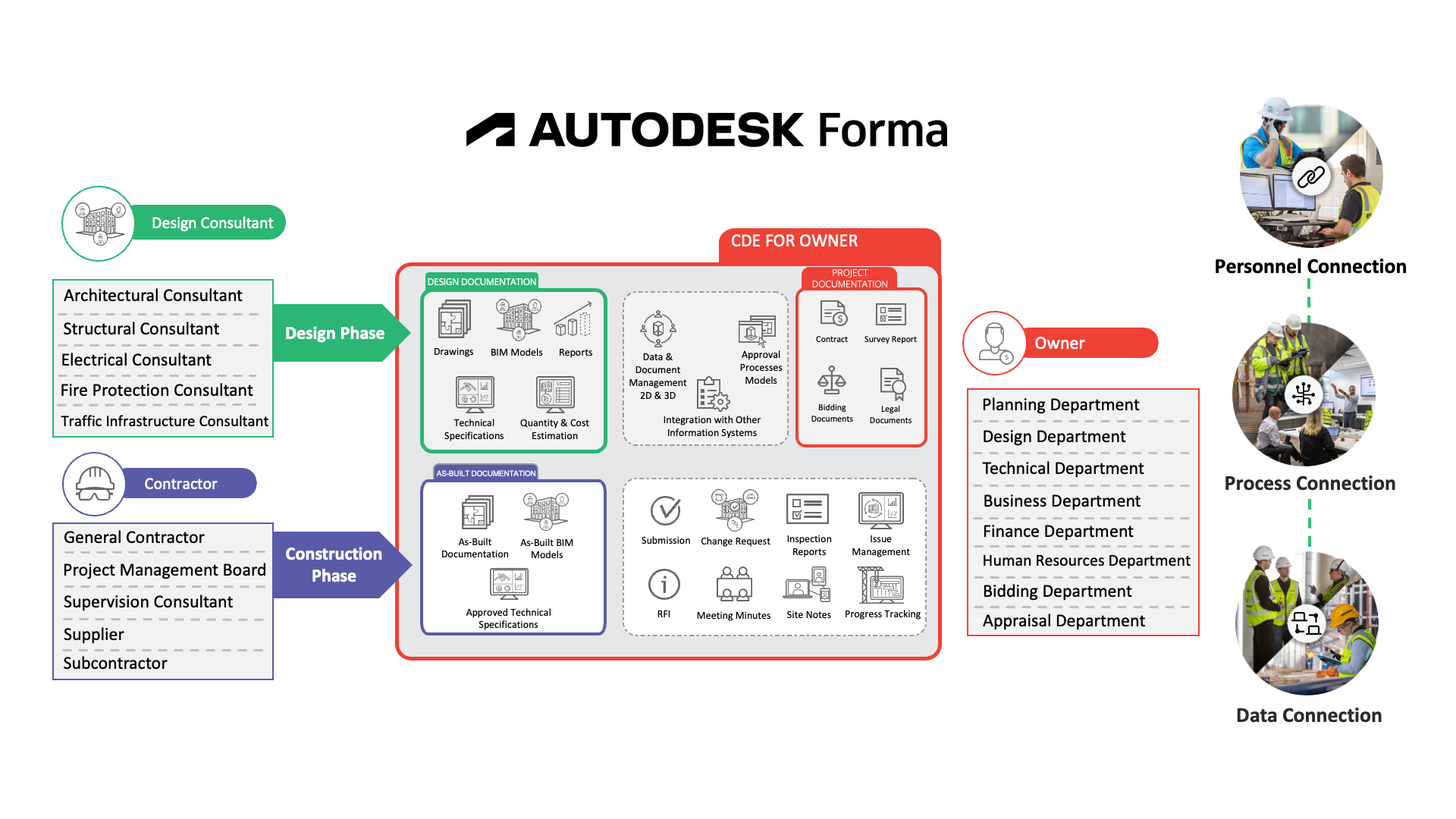

Increase work efficiency
Manage and store data centrally, reducing search and processing time, enhancing efficiency and accuracy in work.

Improve collaboration
Utilize technology to collaborate with stakeholders, easily share information, and save time, making work more efficient.
Secure and compliant
Ensure project data security and compliance with industry standards.
Minimize information errors
Helps detect errors earlier, ensuring accurate and timely information, thereby improving work quality.
Autodesk Forma Data Management is an integrated solution within the Autodesk AEC Collection

A collection of software for architectural design, engineering, and construction with cutting-edge technology. Featured software includes:
 3Ds Max
(and more)
FAQs
Does Autodesk Forma Data Management have a storage limit for projects?
Autodesk Forma Data Management does not have a storage limit for data on Autodesk Forma. Learn more here
What file formats are supported on Autodesk Forma Data Management?
You can upload and store various file types on Autodesk Forma Data Management. However, some files are not yet supported on this platform. To learn more about supported and unsupported file formats, please visit this link.
Which languages are supported on Autodesk Forma Data Management?
Currently, the Autodesk Forma platform supports 18 languages across its products, including Forma Data Management, BIM Collaborate, Forma Design Collaboration, Forma Build, and Forma Takeoff.
- Brazilian Portuguese
- Chinese Simplified
- Chinese Traditional
- Czech
- Danish
- Dutch
- English (UK)
- English (US)
- French
- German
- Italian
- Japanese
- Korean
- Norwegian
- Polish
- Spanish
- Swedish
Can I sign up for a trial of Autodesk Forma Data Management?
Yes. You can sign up for a 30-day trial of Autodesk Forma Data Management.
Can I access Autodesk Forma Data Management on smart devices?
Yes. You can access Autodesk Forma Data Management on smart devices through the Forma on CH Play or the App Store.
How many devices can an Autodesk Forma Data Management license be used on?
Autodesk allows users to access the software on up to three different electronic devices (computer, tablet, phone). However, all three devices must belong to the same user. Additionally, at any given time, only one computer (desktop or laptop) and one mobile device (tablet or phone) can be used to access the software.
Can I convert my trial account to a paid account?
Yes, you need to contact the product provider for support in converting your account.
What is the difference between Autodesk Forma Data Management and BIM 360 Docs?
Both products provide the same common data environment (CDE) features. However, Autodesk Docs supports document management for projects on both the Autodesk Forma and BIM 360 platforms, whereas BIM 360 Docs only provides access to projects on the BIM 360 platform.
How can I contact the support team when needed?
You can contact us through the following methods:
- You can contact us through the following methods: (1800 7181 – Toll Free)
- You can access the Help section of Autodesk to view information related to the product you are using.
- Go to the homepage www.autodesk.com and select the Help section.